
Website:Mediumtoday
Reading Time: 18–20 Minutes
Table of Contents
- Understanding M3U IPTV USA and How It Works
- Benefits of Using M3U IPTV Playlists
- Legal vs Unofficial M3U IPTV Services
- Key Features to Look for in an M3U IPTV Provider
- Device Compatibility and Supported IPTV Players
- How to Choose the Best M3U IPTV USA Service
- Streaming Quality and Internet Speed Requirements
- Common Issues with M3U IPTV and Their Solutions
- Safety Tips for Using M3U IPTV Playlists
- Comparison of Popular M3U IPTV USA Options
- Frequently Asked Questions
- Conclusion
The popularity of M3U IPTV USA has grown rapidly as more people look for flexible ways to access live television and on-demand entertainment over the internet.
One of the most common formats used by IPTV providers is the M3U playlist, which contains streaming links that IPTV players use to display channels and content.
Whether you’re using a Smart TV, Firestick, Android device, Windows PC, or another compatible platform, an M3U playlist can make IPTV setup simple and convenient.
This guide explains how M3U IPTV works in the USA, its advantages, supported devices, setup process, internet requirements, and important legal considerations.
Understanding M3U IPTV USA
M3U IPTV USA refers to IPTV services that use an M3U playlist format for streaming television channels, movies, sports, and other media through an internet connection.
An M3U file is essentially a playlist that contains streaming URLs instead of actual video files. When imported into an IPTV player, the application reads the playlist and organizes available channels for easy viewing.
Unlike traditional television services, IPTV delivers content over IP networks rather than cable infrastructure.
The experience depends on several factors including:
- Internet quality
- IPTV provider reliability
- Streaming server performance
- Device compatibility
- IPTV player application
How an M3U Playlist Works
An M3U playlist acts as a directory for IPTV content.
Instead of storing videos, it simply points the IPTV application toward media streams hosted on remote servers.
The basic process works like this:
- User purchases or receives an IPTV playlist.
- Provider supplies an M3U URL or downloadable M3U file.
- User imports the playlist into an IPTV player.
- IPTV player loads available channels.
- User starts streaming through the internet.
This process usually takes only a few minutes once the playlist is available.
Many IPTV services also update playlists automatically, meaning new channels or changes can appear without requiring users to manually reinstall anything.
Why M3U IPTV USA Is Becoming More Popular
The increasing availability of high-speed internet has made IPTV much more practical than it was several years ago.
Many households now prefer streaming because it offers greater flexibility than conventional television services.
Some reasons for its popularity include:
Flexible Viewing
Users can watch content from almost anywhere with a stable internet connection.
Multiple Device Support
One playlist often works across several supported devices.
Easy Setup
Most IPTV players require only an M3U URL to begin.
Better Content Organization
Many IPTV applications categorize content into:
- Live TV
- Movies
- TV Shows
- Sports
- Kids
- Entertainment
- International Channels
HD and 4K Support
Many IPTV services support high-definition streaming where available.
Actual streaming quality depends on:
- Provider
- Source quality
- Internet connection
- Device capabilities
💎 Access Premium IPTV Content
💎 Access Premium IPTV Content
Common Features Found in M3U IPTV Services
Every IPTV provider is different, but many offer similar core features.

These commonly include:
Live Television
Many IPTV services include access to:
- News
- Sports
- Entertainment
- Lifestyle
- Kids Programming
- Documentary Channels
Channel availability varies between providers.
Video on Demand
Some IPTV subscriptions include large libraries containing:
- Movies
- TV series
- Popular shows
- Recently added content
Library size depends entirely on the provider.
Electronic Program Guide (EPG)
An EPG displays television schedules directly inside compatible IPTV applications.
Benefits include:
- Current programs
- Upcoming shows
- Easier navigation
- Better channel browsing
Not every provider includes EPG support.
Favorites List
Most IPTV players allow users to:
- Save favorite channels
- Rearrange categories
- Hide unwanted content
- Build custom channel lists
Multi-Device Compatibility
Many IPTV subscriptions support several devices.
Some providers may limit simultaneous connections, while others offer multiple streams under one subscription.
Users should always verify device limits before subscribing.
Devices That Support M3U IPTV USA
One major advantage of M3U IPTV is its wide compatibility.
Popular supported devices include:
Smart TVs
Many Smart TVs support IPTV applications.
Examples include:
- Android TV
- Google TV
- Samsung Smart TV
- LG Smart TV
Available apps vary depending on the operating system.
Amazon Fire TV Devices
Fire TV products are among the most common IPTV streaming devices.
Popular models include:
- Fire TV Stick Lite
- Fire TV Stick HD
- Fire TV Stick 4K
- Fire TV Cube
Many IPTV applications are compatible with Fire OS.
Android Smartphones
Android devices can run many IPTV player applications.
Advantages include:
- Portable viewing
- Easy playlist management
- Simple installation
- Support for external players
Android TV Boxes
Android TV boxes provide additional flexibility.
Users often choose them because they support:
- IPTV players
- Streaming apps
- Local media playback
- External storage
Windows Computers
Windows users can install IPTV software that supports M3U playlists.
Benefits include:
- Larger screen
- Keyboard navigation
- Easy playlist editing
- Multiple playback options
macOS
Mac users can also access IPTV using compatible applications supporting M3U playlists.
iPhone and iPad
Several iOS applications support IPTV playlists.
Most offer:
- Playlist synchronization
- Favorites
- EPG support
- Search functionality
📡 Upgrade Your Streaming Experience
📡 Upgrade Your Streaming Experience
Setting Up M3U IPTV USA
Although every application looks different, the overall setup process is usually straightforward.
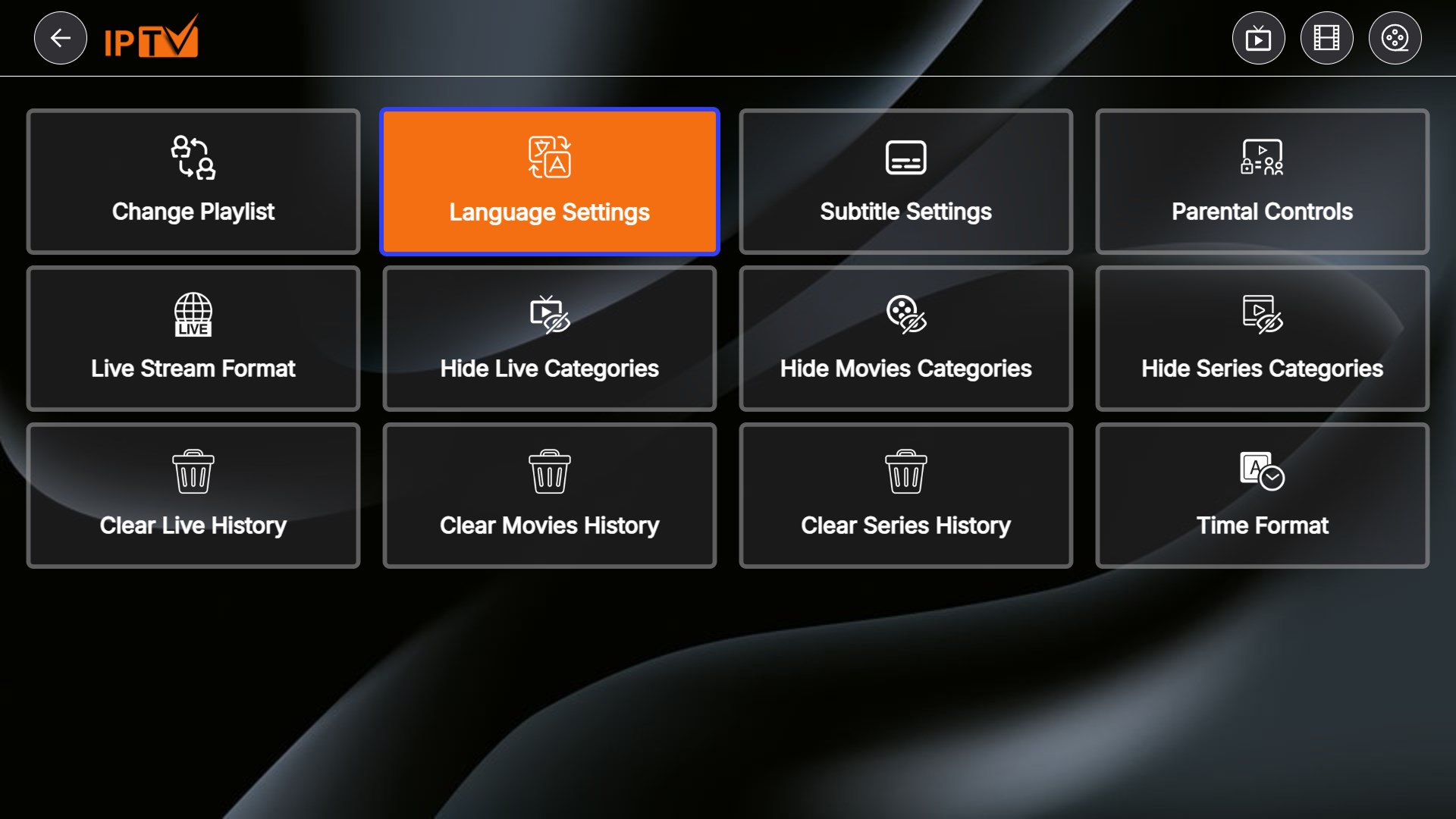
General steps include:
Step 1
Install a compatible IPTV player.
Step 2
Open the application.
Step 3
Choose:
- Add Playlist
- Import M3U
- Add URL
The wording varies by application.
Step 4
Enter:
- M3U URL
or
- Upload the M3U file
Step 5
Wait while the application loads the playlist.
Depending on playlist size, loading may take several seconds.
Step 6
Browse available categories and begin streaming.
Recommended Internet Speed for Smooth Streaming
Streaming quality depends heavily on internet stability.
General recommendations include:
SD Streaming
- Around 5 Mbps
HD Streaming
- Around 10–15 Mbps
Full HD Streaming
- Around 20 Mbps
4K Streaming
- Around 35 Mbps or higher
Additional factors affecting performance include:
- Wi-Fi signal strength
- Router quality
- Network congestion
- Server stability
- Ethernet connection availability
A wired Ethernet connection generally provides more consistent performance than Wi-Fi.
Tips Before Choosing an IPTV Provider
Not all IPTV providers offer the same level of reliability.
Before selecting any service, consider the following factors.
Streaming Stability
Look for providers known for stable streaming and minimal buffering.
Device Compatibility
Verify that your preferred devices are officially supported.
Playlist Updates
Frequent playlist updates help maintain channel availability.
Customer Support
Good customer support can simplify troubleshooting if technical issues occur.
Trial Availability
Some providers offer limited free trials so users can evaluate performance before purchasing.
Legal Compliance
Choose IPTV providers that have the appropriate rights to distribute the content they offer. Unauthorized IPTV services may infringe copyright laws. Always verify the provider’s legitimacy and review its terms before subscribing.
Advanced Features of M3U IPTV USA
Modern M3U IPTV USA services often include more than just live TV channels. Depending on the provider and IPTV player, users may access several advanced features that improve the overall streaming experience.
Catch-Up TV
Catch-Up TV lets users watch programs that aired earlier without recording them. This feature is only available if the IPTV provider supports it.
Benefits include:
- Watch missed TV shows
- Replay recently aired programs
- No need for a DVR in many cases
Cloud-Based Playlist Updates
Many IPTV providers automatically update M3U playlists.
Advantages include:
- New channels appear automatically
- Broken links may be replaced
- Updated categories without manual changes
Multiple Audio Tracks
Some channels provide multiple language options.
Examples include:
- English
- Spanish
- French
- Other regional languages
Availability depends on the broadcaster and IPTV provider.
Subtitle Support
Many IPTV players support subtitles for compatible content.
Common options include:
- Enable or disable subtitles
- Select subtitle language
- Adjust subtitle size
- Customize subtitle appearance
Favorites and Channel Groups
Organizing channels becomes easier with favorites.
Users can:
- Save frequently watched channels
- Create custom categories
- Hide unwanted channels
- Quickly switch between favorite content
⭐ Get Reliable IPTV Streaming For Your Devices
⭐ Get Reliable IPTV Streaming For Your Devices
Common M3U IPTV USA Problems and Solutions
Even reliable IPTV services can occasionally experience issues. Most problems are related to the internet connection, device performance, or playlist configuration rather than the IPTV technology itself.
Buffering During Streaming
Possible causes:
- Slow internet connection
- Network congestion
- Weak Wi-Fi signal
- Busy IPTV servers
Possible solutions:
- Restart the router
- Use a wired Ethernet connection
- Close background downloads
- Restart the IPTV application
- Test your internet speed
Playlist Not Loading
Possible reasons include:
- Incorrect M3U URL
- Expired subscription
- Server maintenance
- Typing errors
- Internet outage
Possible fixes:
- Verify the playlist URL
- Check subscription status
- Contact the IPTV provider
- Refresh the playlist
Missing Channels
Sometimes channels disappear temporarily.
Possible reasons:
- Provider updates
- Channel maintenance
- Regional restrictions
- Playlist refresh required
Users should avoid repeatedly reinstalling the application, as refreshing the playlist is often enough.
Audio but No Video
This issue can occur because of:
- Unsupported video codec
- Device limitations
- Temporary server issues
Possible solutions:
- Try another IPTV player
- Update the application
- Restart the stream
- Check if other channels work
EPG Not Displaying
If the Electronic Program Guide is missing:
- Refresh the EPG
- Confirm EPG support with the provider
- Restart the IPTV player
- Wait for synchronization to complete
Free vs Paid M3U IPTV
Both free and paid M3U playlists are available online, but they differ significantly in terms of reliability and support.
Free M3U Playlists
Advantages:
- No subscription cost
- Easy to test IPTV players
- Good for learning how M3U works
Limitations:
- Channels may stop working without notice
- Frequent interruptions
- Limited content
- Little or no customer support
- Playlist links may expire quickly
Paid M3U IPTV Services
Advantages:
- More stable streaming
- Better server performance
- Larger content libraries
- Regular playlist updates
- Customer support
- Additional features like EPG and Video on Demand
Things to check before subscribing:
- Subscription duration
- Supported devices
- Number of simultaneous connections
- Refund policy (if available)
- Trial availability
Remember that pricing, features, and channel availability vary between providers and may change over time.
🔥 Get Family IPTV Subscription And Start Streaming
🔥 Get Family IPTV Subscription And Start Streaming
Security and Privacy Tips
Protecting your personal information is important when using any online streaming service.
Follow these best practices:
- Download IPTV apps only from trusted sources.
- Keep your streaming device updated.
- Use strong, unique passwords for IPTV accounts.
- Avoid sharing playlist URLs publicly.
- Be cautious of offers that seem unusually cheap or unrealistic.
- Review the provider’s privacy policy before subscribing.
These simple steps can help reduce the risk of account misuse or security issues.
Legal IPTV vs Unauthorized IPTV
One of the most common questions about M3U IPTV USA is whether it is legal.
The answer depends on how the service is operated, not on the M3U format itself.
Legal IPTV Services
Legal IPTV providers have permission or licensing agreements to distribute the content they offer.
They typically provide:
- Official customer support
- Legitimate subscription plans
- Licensed television channels
- Clear terms of service
Unauthorized IPTV Services
Some services distribute copyrighted content without proper authorization.
Potential risks include:
- Service shutdowns
- Unreliable channel availability
- Security concerns
- Possible legal consequences depending on local laws
Before subscribing, always verify that the IPTV provider has the appropriate rights to distribute its content.
Expert Tips for the Best IPTV Experience
To improve streaming quality and reliability, consider the following recommendations:
- Use a stable high-speed internet connection.
- Connect via Ethernet whenever possible.
- Keep your IPTV player updated.
- Restart your streaming device occasionally.
- Organize favorite channels for quicker access.
- Test the service during different times of the day.
- Compare available features before purchasing a subscription.
- Read recent user reviews from trusted sources.
Common Mistakes to Avoid
Many IPTV users experience problems because of simple setup mistakes.
Avoid these common issues:
- Entering an incorrect M3U URL
- Using outdated IPTV player versions
- Ignoring internet speed requirements
- Overloading the home network with multiple downloads
- Sharing subscription credentials without permission
- Assuming every IPTV service offers the same features
- Not checking device compatibility before subscribing
Taking a few minutes to verify these details can save time and reduce troubleshooting later.
Recommended Authoritative External Sources
For readers who want to verify technical or legal information, refer to trusted sources such as:
- Official websites of IPTV application developers
- Device manufacturer support pages (e.g., Smart TV or streaming device documentation)
- Internet service provider support pages for network optimization
- Government consumer protection agencies
- Copyright and intellectual property guidance from relevant government authorities
Always check official sources because features, pricing, supported devices, and channel availability may change over time.
Conclusion
M3U IPTV USA offers a flexible way to stream live television and on-demand content across a wide range of compatible devices. By using an M3U playlist with a supported IPTV player, users can access content through their internet connection without relying solely on traditional cable or satellite services.
When selecting an IPTV provider, focus on reliability, device compatibility, customer support, and legal compliance rather than price alone. A stable internet connection, a compatible IPTV player, and a reputable provider can significantly improve the overall viewing experience.
As IPTV technology continues to evolve, users should stay informed about updates, verify provider information from official sources, and choose services that operate within applicable copyright and licensing requirements.
FAQ’s
What is M3U IPTV USA?
M3U IPTV USA refers to M3U playlist files that allow compatible IPTV players to stream live TV channels and on-demand content over the internet. The available content depends on the IPTV provider.
Is M3U IPTV USA legal?
Yes, M3U IPTV is legal when the playlist is provided by a licensed IPTV service that has permission to distribute the content. Avoid using unauthorized playlists that stream copyrighted material without permission.
Which devices support M3U IPTV playlists?
Most M3U IPTV playlists work with Smart TVs, Android TV, Apple TV, Amazon Fire TV Stick, Windows PCs, Mac computers, Android phones, iPhones, and compatible IPTV player apps.
What internet speed is recommended for M3U IPTV?
For smooth streaming, at least 10 Mbps is recommended for HD content, while 25 Mbps or higher is ideal for 4K streaming.
Can I watch local USA channels using M3U IPTV?
Some legal IPTV providers include local U.S. channels as part of their subscription plans. Channel availability depends on licensing agreements and your location.
Do I need a special IPTV player for M3U files?
Yes. M3U playlists usually require a compatible IPTV player or media player that supports the M3U format. Many Smart TV and mobile apps can import these playlists.
7. Are free M3U IPTV playlists reliable?
Some free legal playlists are available, but they may have limited channels or occasional interruptions. Paid legal IPTV services generally provide more reliable streaming and customer support.