
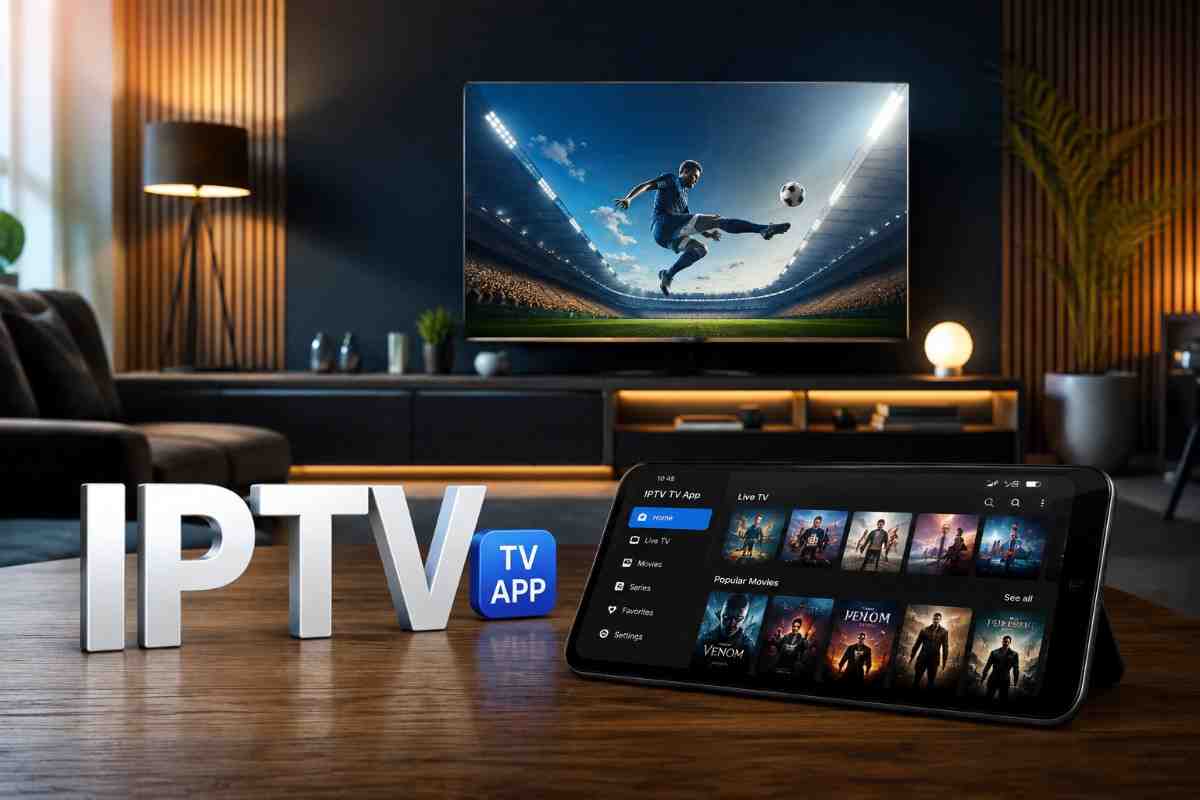
Explore the IPTV TV App for a more organized viewing setup, flexible streaming options, practical features, and a smoother way to enjoy digital entertainment.
Television has moved far beyond traditional broadcast schedules. With connected devices, streaming platforms, smart TVs, and personalized content libraries becoming part of everyday entertainment, viewers now expect more flexibility from their viewing setup.
An IPTV TV app can help organize internet-based television content in a convenient interface. Depending on the app and the service connected to it, users may be able to access live channels, on-demand programming, electronic program guides, playlists, and other viewing features from a compatible device.
🌐 Open a New Way to Watch
The experience can vary considerably between apps, so choosing a suitable option involves more than simply looking at the interface. Reliability, compatibility, navigation, privacy, and support all deserve attention.
What Is an IPTV TV App?
An IPTV TV app is software designed to display television content delivered through an internet connection rather than relying exclusively on traditional cable, satellite, or terrestrial broadcasting.
The app itself is generally a player or viewing interface. It may connect with a compatible, authorized IPTV service or user-provided playlist and then organize available content for viewing.
Common features can include:
- Live television playback
- Electronic program guides (EPG)
- On-demand content
- Playlist management
- Search and category filtering
- Multiple audio or subtitle options
- Favorites and recently watched sections
- Playback controls
The exact feature set depends on the application, device, and content provider.
Why IPTV TV Apps Are Becoming Popular
Modern viewers often watch content across several screens rather than relying on one television service. An IPTV TV app can provide a centralized interface that fits into this changing viewing pattern.
Flexible Viewing Experience
Internet-based television can offer more flexibility around how and where compatible content is accessed. Users may switch between supported devices depending on the app’s compatibility and service terms.
Organized Content
A well-designed interface can make large content libraries easier to navigate. Categories, search functions, favorites, and program guides can reduce the time spent looking for something to watch.
Smart Device Compatibility
Many IPTV applications are designed for platforms such as smart TVs, streaming devices, Android-based hardware, and other compatible screens. Before installation, checking official compatibility requirements is important.
Convenient Controls
Features such as playback controls, channel lists, guide information, and favorites can create a more structured viewing experience than manually searching through separate sources.
Key Features to Look For
Not every IPTV TV app provides the same experience. A professional evaluation should focus on practical features rather than appearance alone.
| Feature | Why It Matters |
|---|---|
| Device compatibility | Helps ensure the app works properly with your TV or streaming hardware |
| Simple navigation | Makes channels and content easier to find |
| EPG support | Provides useful program scheduling information |
| Playlist support | Helps organize compatible content sources |
| Search tools | Makes large libraries easier to explore |
| Favorites | Provides quick access to preferred channels or programs |
| Playback controls | Improves everyday viewing convenience |
| Privacy features | Helps users understand how information is handled |
How to Choose the Right IPTV TV App
Choosing an IPTV TV app should start with your actual viewing habits and device requirements.
Check Device Support
Before installing an application, confirm that it supports your smart TV, streaming box, phone, tablet, or other intended hardware. Compatibility can affect performance and available features.
Review the Interface
A polished interface is useful, but usability matters more. Look for clear menus, readable channel listings, responsive controls, and logical content categories.
Consider Playback Performance
A capable app should provide a stable playback experience when the underlying connection and authorized content source are reliable. Features such as buffering controls or multiple playback options can also be useful.
Examine Privacy Information
Read the application’s privacy policy and permissions before using it. Understand what information the app collects and why it needs access to particular device features.
Use Legitimate Content Sources
An IPTV application does not automatically make every available channel or stream legal to watch. Users should rely on authorized services and content sources and follow applicable copyright and licensing requirements.
Tips for a Better IPTV Viewing Setup
Once you have selected a suitable app, a few practical adjustments can improve the overall experience.
- Use a reliable internet connection: Stable connectivity is essential for internet-based video playback.
- Keep the application updated: New versions may include performance improvements, compatibility fixes, and security updates.
- Organize favorites: Save frequently watched channels or programs for quicker access.
- Use the program guide: EPG information can make scheduled viewing easier.
- Check your device: Older hardware may struggle with demanding applications or high-resolution video.
- Protect account information: Avoid sharing login details and use strong credentials where applicable.
- Keep content sources legitimate: Choose services that have appropriate rights to distribute the content they provide.
Common IPTV TV App Problems
Even a well-designed app can encounter occasional issues. Understanding the likely cause can make troubleshooting easier.
Buffering or Playback Interruptions
Buffering may be related to network congestion, weak connectivity, device limitations, or problems with the content source. Testing the connection and restarting the app can help identify the issue.
App Compatibility Issues
If an app behaves unexpectedly, verify that your device meets its current operating requirements. Updates to the TV or operating system can sometimes affect compatibility.
Missing Guide Information
Program guide data may depend on the connected service or playlist. If information is incomplete, the issue may not necessarily originate with the application itself.
IPTV TV App vs. Traditional TV Setup
An IPTV TV app provides a different approach to television consumption. Traditional broadcast systems typically depend on dedicated delivery infrastructure, while IPTV uses internet connectivity to deliver content.
The two approaches can also coexist. A household may use conventional television services alongside internet-based applications, depending on viewing preferences, device availability, and local service options.
The most suitable setup ultimately depends on factors such as content availability, connection quality, hardware, convenience, and budget.
🌟 Take Your Viewing Setup Further
Final Thoughts
An IPTV TV app can bring greater organization and flexibility to a modern viewing setup. With features such as electronic program guides, playlist management, search tools, favorites, and convenient playback controls, the right application can make internet-based television easier to manage.
However, the best experience depends on more than the app itself. Device compatibility, network quality, privacy practices, application reliability, and legitimate content sources all play important roles.
By evaluating these factors carefully, viewers can build a more dependable and comfortable digital TV environment without making the setup unnecessarily complicated.
Frequently Asked Questions
What is an IPTV TV app used for?
An IPTV TV app provides an interface for playing television content delivered over an internet connection. Depending on the application, it may support live channels, guides, playlists, and on-demand programming.
Can an IPTV TV app work on a smart TV?
Many IPTV apps are designed for compatible smart TV platforms, although support varies by application and television model. Always check the app’s official compatibility information.
Does an IPTV app provide TV channels by itself?
Not necessarily. Many IPTV apps function primarily as media players and require a compatible content source or authorized service. The available channels depend on that service.
Why does IPTV playback sometimes buffer?
Buffering can result from network instability, congestion, device performance, or issues affecting the content source. Checking each part of the setup can help identify the underlying problem.
Is every IPTV service legal?
No. IPTV is a delivery method, not a guarantee that content is properly licensed. Users should choose authorized providers and content sources that have the necessary distribution rights.