
Discover the best IPTV M3U player apps for 2026. Compare features, pricing, and setup tips to stream your own playlists smoothly.
Introduction IPTV M3U Player
If you’ve ever tried to load a live TV playlist onto your smart TV, phone, or streaming box, you’ve probably run into the term M3U player. It’s the piece of software that actually reads an M3U (or M3U8) playlist file and turns it into a watchable channel guide.
Choosing the right IPTV M3U player matters more than most people realize. The wrong app can mean constant buffering, ugly channel guides, and crashes — while the right one gives you a smooth, cable-like experience across every device you own. This guide is built for learners exploring streaming tech for the first time, freelancers who want a reliable media setup at home, and startups or small business owners who need dependable playback on office or customer-facing screens.
You’ll get a full breakdown of what M3U players are, the top legitimate apps available in 2026, a side-by-side comparison, pricing, real use cases, and honest pros and cons — all in a scannable, click-friendly format.
Many people land on this topic after a frustrating experience: a channel guide that won’t load, a playlist that crashes the app, or a device that simply isn’t compatible with the player they downloaded. This guide is designed to prevent that by walking through exactly which apps work best on which devices, what to expect in terms of pricing, and how to match a player to your specific setup — whether that’s a single smart TV in a living room or multiple screens across a small office.
🚀 Browse the Best IPTV M3U Players for 2026
🚀 Browse the Best IPTV M3U Players for 2026
What Is an IPTV M3U Player
An M3U file is a plain text playlist format that lists media stream URLs — it’s been used since the 1990s for organizing audio and video playlists, and it’s completely open and free to use.
An IPTV M3U player is an application that:
- Opens and reads M3U/M3U8 playlist files
- Organizes the listed streams into a channel guide (EPG) with logos and categories
- Plays live streams, on-demand content, or personal media libraries
- Runs on smart TVs, phones, tablets, computers, and streaming boxes
In short, the player is the “TV” and the M3U file is the “channel list” — the player itself is just a media tool, similar to how a web browser can open any website you type into it.
Where M3U Playlists Come From
- Your own media server — tools like Plex or Jellyfin can generate M3U playlists from your personal video library
- Free-to-air public broadcasters — many national broadcasters publish official, legal M3U links for their live streams
- Licensed IPTV subscriptions — legitimate regional providers sometimes issue an M3U link as part of a paid, authorized subscription
- Self-hosted or private streams — businesses often build internal M3U playlists for training videos, in-store displays, or internal broadcasts
M3U vs M3U8: What’s the Difference?
M3U and M3U8 are essentially the same playlist format, with one small technical difference: M3U8 files are encoded in UTF-8, which allows them to properly support non-English characters and international channel names. Most modern IPTV players support both formats interchangeably, so the distinction rarely matters for everyday use — but it’s worth knowing if you ever see one format fail to load correctly while the other works fine.
Why It Matters IPTV M3U Player in 2026
Streaming devices have become the default way most households and businesses watch video content, and M3U players sit at the center of that ecosystem.
- Universal format — M3U is supported across nearly every streaming device, smart TV brand, and operating system
- Flexibility — the same player can handle personal media, licensed subscriptions, or public broadcast feeds
- No vendor lock-in — unlike closed streaming apps, M3U-based setups let users switch playlist sources freely
- Lightweight and efficient — M3U players are typically small, fast apps that run well even on older hardware
- Business relevance — small businesses use M3U players to manage internal displays, training content, and customer-facing screens without expensive proprietary software
For freelancers and small business owners, this means lower software costs and more control over exactly what content plays and where BEST IPTV USA.
The rise of remote work has also changed how people set up home media systems. A freelancer working from a home office might want a single screen that handles video calls, personal media, and occasional live TV — all without juggling five different subscription apps. M3U players make that consolidation possible by acting as a single hub that can pull from multiple legitimate sources at once, rather than locking users into one closed ecosystem.
Key Benefits IPTV M3U Player
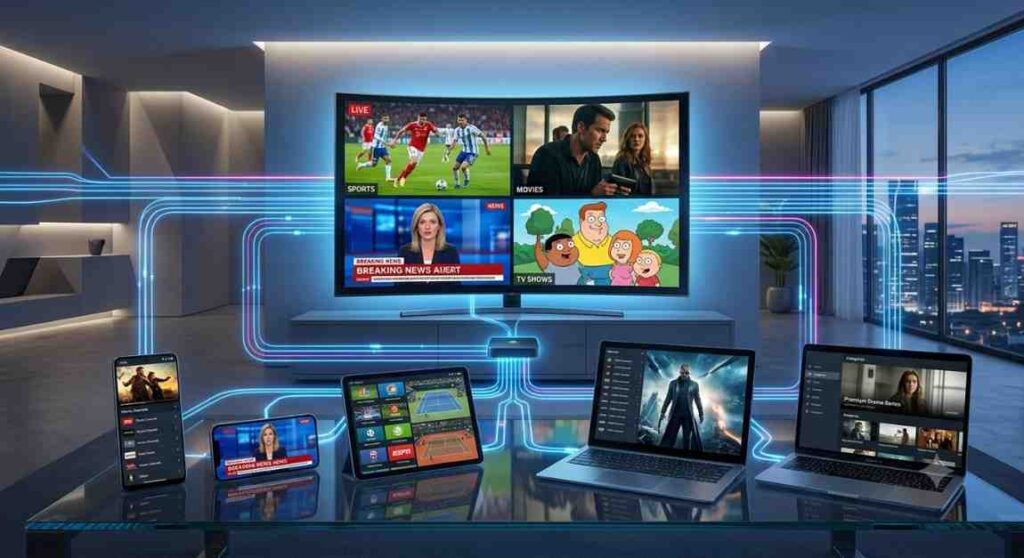
- Cross-platform support — works on Android, iOS, Windows, macOS, Linux, Amazon Fire TV, Android TV, and more
- Custom EPG (electronic program guide) support for a clean, organized channel layout
- Multi-screen and multi-device compatibility for households or offices with several screens
- Lightweight installation — most M3U players are small downloads that install in seconds
- Free and paid options — from completely free open-source tools to premium apps with extra features
- Personal media hosting — many players double as home media center software for your own video library
- No proprietary hardware required — works on existing phones, computers, and streaming sticks
🚀 Browse the Best IPTV M3U Players for 2026
Top Providers/Tools/Services IPTV M3U Player
Below are widely used, legitimate IPTV M3U player applications available across app stores in 2026.
1. VLC Media Player
A free, open-source media player that can open M3U playlists directly, alongside almost any video or audio file format. It’s one of the most trusted names in media playback software worldwide, maintained by a nonprofit organization and completely free of ads or hidden fees.
2. Kodi
A powerful, fully open-source home theater application that supports M3U playlists through its PVR/live TV add-ons, along with a huge library of community extensions. It’s especially popular with users who want a single interface to manage movies, TV shows, music, and live playlists together.
3. TiviMate
A polished, TV-focused IPTV player popular on Android TV and Fire TV devices, known for its clean grid-style channel guide and multi-playlist support. Its premium tier adds features like custom EPG sources and multi-screen layouts for users who want a more advanced setup.
4. IPTV Smarters Pro
A widely used cross-platform IPTV player supporting M3U and Xtream Codes formats, with EPG support and a simple setup process. It’s a common choice for users who want one app that works consistently across phones, tablets, and streaming boxes.
5. GSE Smart IPTV
A flexible player available on iOS, Android, and other platforms, supporting multiple playlist formats and favorites/parental control features. It’s particularly popular among iPhone and iPad users, since IPTV player options on iOS are more limited than on Android.
🚀 Browse the Best IPTV M3U Players for 2026
6. Perfect Player IPTV
A lightweight Android-based M3U player known for fast channel switching and simple, customizable menus. Because it’s built to run efficiently, it performs well even on older Android boxes and budget streaming devices.
7. Smart IPTV (SIPTV)
A dedicated app for Samsung and LG smart TVs, designed specifically for M3U playlist playback with a TV-remote-friendly interface. Unlike many alternatives, it requires a one-time activation but then runs natively on the TV without needing an external streaming box.
8. OTT Navigator
An Android IPTV player offering advanced customization, multiple playlist support, and built-in recording features. Power users often choose it for its ability to fine-tune buffering settings, channel numbering, and EPG sources in detail.
9. Plex
Primarily a personal media server, Plex also supports M3U-based live TV integration for users who want to combine personal libraries with playlist sources. Its polished interface and cross-device apps make it a favorite for households that already use Plex for movies and shows.
10. Jellyfin
A free, open-source alternative to Plex that supports M3U tuner integration, popular with privacy-conscious users and small businesses wanting full control of their media setup. Because it’s self-hosted, there’s no reliance on a third-party company’s servers or account system.
Comparison Table IPTV M3U Player
| Player | Platform | EPG Support | Price Model | Best For |
|---|---|---|---|---|
| VLC | Windows, macOS, Linux, Android, iOS | Basic | Free | Universal playback |
| Kodi | Windows, macOS, Linux, Android, Fire TV | Advanced (add-ons) | Free | Home theater setups |
| TiviMate | Android TV, Fire TV | Advanced | Free + Premium tier | TV-first interfaces |
| IPTV Smarters Pro | Android, iOS, Windows, Fire TV | Advanced | Free | Cross-platform ease of use |
| GSE Smart IPTV | iOS, Android, Windows | Advanced | Free + optional upgrade | Flexible multi-format support |
| Perfect Player IPTV | Android | Advanced | Free + Pro version | Lightweight, fast switching |
| Smart IPTV (SIPTV) | Samsung, LG Smart TVs | Advanced | One-time paid activation | Native smart TV playback |
| OTT Navigator | Android | Advanced | Free + Pro version | Power users & customization |
| Plex | Windows, macOS, Android, iOS, TV devices | Full (with Live TV) | Free + Plex Pass | Personal media + live TV combo |
| Jellyfin | Windows, macOS, Linux, Android, TV devices | Full (with tuner setup) | Free (open-source) | Self-hosted, private setups |
How to Set Up an IPTV M3U Player
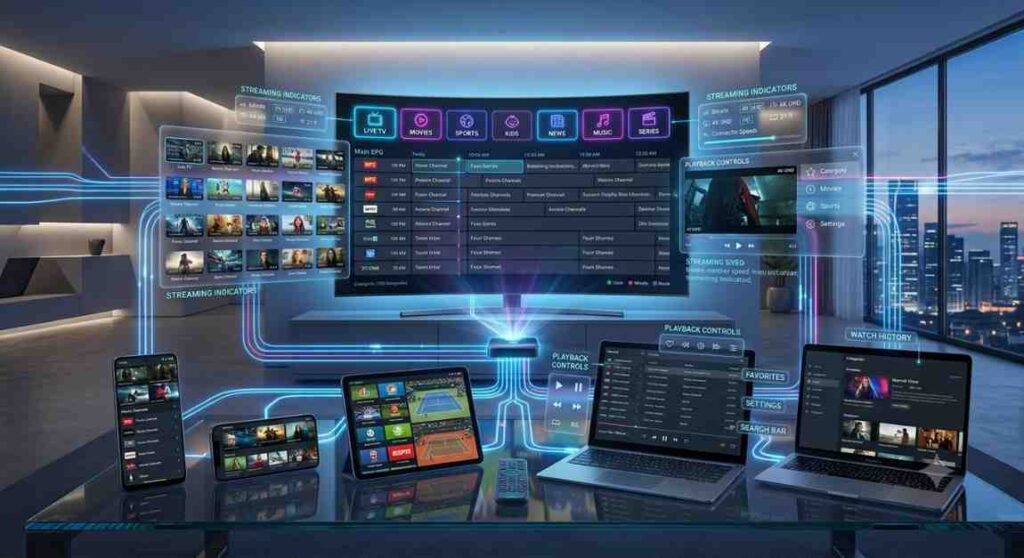
Getting a player up and running is usually a quick process, regardless of which app you choose.
Step 1: Choose Your Player IPTV M3U Player
Pick an app based on your device — for example, Smart IPTV for a Samsung TV, or VLC for a computer.
Step 2: Install the App IPTV M3U Player
Download from the official app store (Google Play, Apple App Store, Samsung/LG app store, or the developer’s official website).
Step 3: Add Your Playlist IPTV M3U Player
Enter your M3U/M3U8 playlist URL, or upload the file directly if the app supports local file imports.
Step 4: Load the EPG (Optional) IPTV M3U Player
Many players let you add a separate EPG URL for program guide data, showing show titles and times alongside each channel.
Step 5: Organize Favorites and Categories IPTV M3U Player
Sort channels into categories or favorites lists for faster navigation, especially useful if your playlist contains a large number of entries.
Step 6: Test Playback IPTV M3U Player
Check a few channels to confirm smooth playback, then adjust buffering or quality settings if needed.
Features IPTV M3U Player
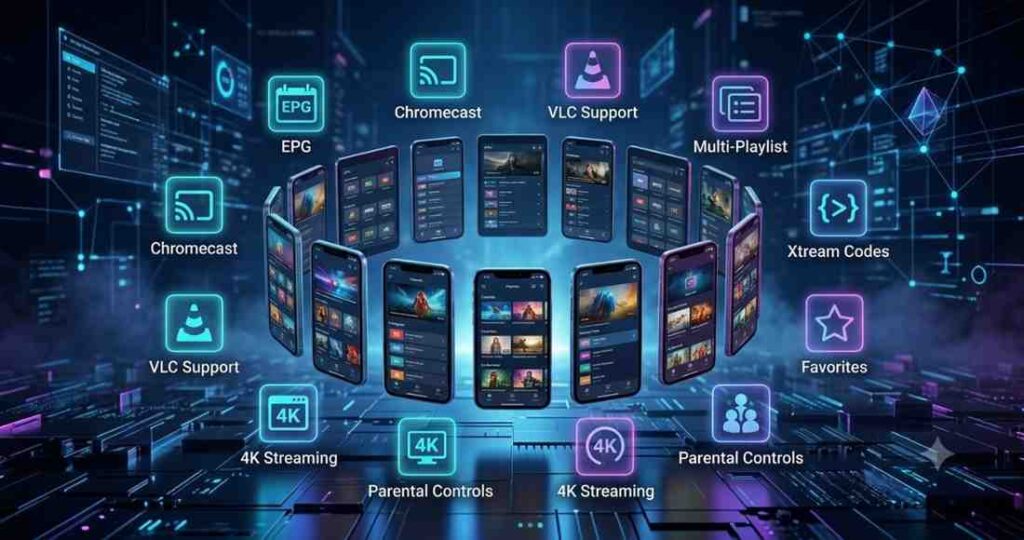
- Multi-format playlist support — most players handle M3U, M3U8, and sometimes Xtream Codes formats
- EPG integration — program guides with show times, descriptions, and channel logos
- Parental controls — content filtering and locked categories on several apps
- Multi-playlist management — ability to load and switch between several playlist sources
- Recording and catch-up features — some players (like OTT Navigator) support local recording
- Custom themes and layouts — grid view, list view, and customizable channel numbering
- Chromecast and screen mirroring support on several Android-based players
- Cross-device syncing available on premium tiers of some apps
Pricing Table IPTV M3U Player
| Player | Typical Cost |
|---|---|
| VLC | Free |
| Kodi | Free |
| TiviMate | Free basic tier; premium around $5–20 one-time or yearly |
| IPTV Smarters Pro | Free |
| GSE Smart IPTV | Free; optional in-app upgrade around $5–10 |
| Perfect Player IPTV | Free; Pro key around $5–10 one-time |
| Smart IPTV (SIPTV) | One-time activation fee, roughly $10–15 |
| OTT Navigator | Free; Pro version around $5–10 one-time |
| Plex | Free; Plex Pass around $5–10/month or $120 lifetime |
| Jellyfin | Free (fully open-source) |
Pricing varies by app store, region, and promotional offers — always confirm current pricing on the official app listing before purchasing.
Use Cases IPTV M3U Player
- Learners and students — using free players like VLC or Kodi to organize personal study or media libraries
- Freelancers working from home — setting up Jellyfin or Plex as a lightweight personal media center alongside licensed streaming subscriptions
- Startups and small offices — using OTT Navigator or Smart IPTV to manage internal training playlists or lobby displays
- Small business waiting rooms — Smart IPTV on a Samsung or LG TV for simple, remote-controlled playback of a licensed channel subscription
- Multi-device households — using TiviMate or GSE Smart IPTV to keep the same playlist synced across several TVs and phones
- Privacy-focused users — choosing self-hosted Jellyfin setups to keep full control over playback data
- Retail and hospitality businesses — looping promotional or informational content through a dedicated M3U player on customer-facing screens
- Online course creators and educators — organizing recorded lesson libraries through Plex or Jellyfin for easy playback during editing or review
- Co-working spaces — running a shared lounge screen through Smart IPTV or GSE Smart IPTV without needing a dedicated cable subscription per room
- Digital signage for startups — using a lightweight player like Perfect Player to display looping company announcements or promotional reels on office monitors
Best For IPTV M3U Player
- Best for total beginners: VLC (simple, free, works everywhere)
- Best for home theater enthusiasts: Kodi (deep customization, add-ons)
- Best for Android TV/Fire TV users: TiviMate (clean, TV-optimized interface)
- Best for Samsung/LG smart TVs: Smart IPTV (SIPTV)
- Best for power users: OTT Navigator (recording, advanced settings)
- Best for combining personal media + live TV: Plex
- Best for privacy-conscious, self-hosted setups: Jellyfin
- Best for small businesses on a budget: GSE Smart IPTV or Perfect Player IPTV
Pros and Cons IPTV M3U Player
VLC
- Pros: Completely free, works on nearly every device, no account required
- Cons: Very basic EPG and channel management features
Kodi
- Pros: Extremely customizable, strong community support
- Cons: Steeper learning curve for beginners
TiviMate
- Pros: Polished, TV-remote-friendly design
- Cons: Some advanced features locked behind premium tier
IPTV Smarters Pro
- Pros: Easy setup, supports multiple playlist formats
- Cons: Interface can feel dated compared to newer apps
GSE Smart IPTV
- Pros: Flexible format support, decent free tier
- Cons: Ads present unless upgraded
Perfect Player IPTV
- Pros: Lightweight, fast performance on older devices
- Cons: Android only, limited iOS availability
Smart IPTV (SIPTV)
- Pros: Excellent native smart TV integration
- Cons: Requires a one-time paid activation
OTT Navigator
- Pros: Advanced features like recording and multi-playlist support
- Cons: Interface can be overwhelming for casual users
Plex
- Pros: Seamless personal media + live TV combination
- Cons: Some features require a paid Plex Pass
Jellyfin
- Pros: Fully free, open-source, strong privacy control
- Cons: Requires more technical setup than plug-and-play apps
Best Alternatives IPTV M3U Player
If none of the above fully match your needs, consider these additional legitimate options:
- Built-in smart TV apps — many modern TVs now include native support for loading M3U playlists without a separate app
- Web-based M3U players — browser-based tools that let you paste a playlist URL and watch directly without installing software
- Media server companion apps — using a NAS device with built-in playlist support for home or office media management
- Licensed IPTV provider’s own app — if you already subscribe to a licensed provider, their official app often provides a more polished experience than a generic third-party M3U player
🚀 Browse the Best IPTV M3U Players for 2026
Future Trends IPTV M3U Player
- AI-enhanced channel guides that automatically organize and recommend content within M3U players
- Better cross-device syncing so favorites, watch history, and settings carry over between phone, TV, and computer
- Increased focus on privacy-first, self-hosted solutions like Jellyfin as users grow more cautious about data collection
- Deeper smart TV integration, reducing the need for separate player apps altogether
- Improved playlist security features, including encrypted playlist support for business and enterprise use
- Continued growth of open-source development, keeping core M3U player tools free and community-driven
- Wider adoption of HDR and higher-resolution playback support as more playlists and source devices move to 4K and beyond
- Greater emphasis on app store compliance, with platforms tightening review requirements around how playlist-based apps present content sources
- More native operating system support, reducing reliance on third-party apps as smart TV manufacturers build stronger playlist compatibility directly into their systems
Conclusion
An IPTV M3U player is only as good as the playlist you load into it, but choosing the right app still makes a major difference in usability, stability, and features. Beginners and casual users are well served by free, simple tools like VLC, while home theater enthusiasts and small businesses may prefer the deeper customization of Kodi, OTT Navigator, or a dedicated smart TV app like Smart IPTV. Privacy-conscious users and businesses wanting full control should consider self-hosted options like Jellyfin.
Whatever player you choose, make sure any playlist source you use is your own content or comes from a properly licensed provider — this keeps your setup legal, secure, and reliable long-term.
FAQ’s IPTV M3U Player
What is an M3U file used for?
An M3U file is a plain text playlist that lists media stream links. IPTV M3U players read these files to organize and play live channels or personal video content.
Is using an M3U player illegal?
No. The player itself is just software, similar to a media player or web browser. Legality depends entirely on the source of the playlist you load into it — your own media, free-to-air public streams, and licensed subscriptions are all legitimate uses.
Which IPTV M3U player is best for beginners?
VLC is generally the easiest starting point thanks to its simple interface and universal device support.
Can I use an M3U player on a Samsung or LG smart TV?
Yes. Smart IPTV (SIPTV) is specifically designed for Samsung and LG TVs and offers strong native integration.
Do I need to pay for an IPTV M3U player?
Many players, like VLC, Kodi, and Jellyfin, are completely free. Others, like TiviMate or Smart IPTV, offer free versions with optional paid upgrades or one-time activation fees.
Can M3U players play both live TV and personal video files?
Yes. Many players, including Plex, Jellyfin, and Kodi, can handle both live playlist streams and locally stored personal media libraries.
What internet speed do I need for smooth IPTV M3U playback?
A stable connection of at least 10–25 Mbps is generally recommended for HD playback, with higher speeds needed for multiple devices or 4K streams.
Can I use the same M3U playlist across multiple devices?
Yes. Most players simply require you to re-enter the same playlist URL on each device, and some, like Plex, offer account-based syncing so your setup carries over automatically.