
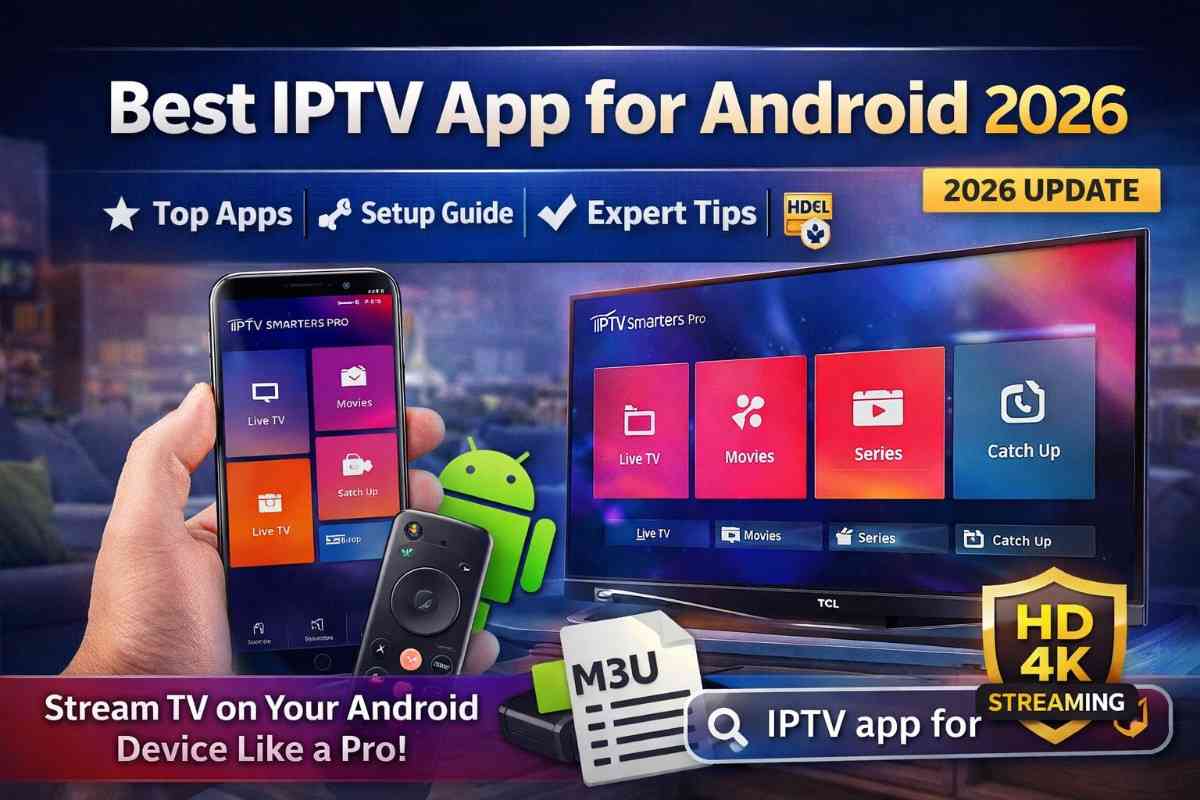
The rise of digital streaming has transformed how people watch television, and Android users are at the center of this shift. An IPTV app for Android allows you to stream live TV channels, movies, and series directly through the internet—without relying on traditional cable or satellite services.
With thousands of apps available on the Google Play Store and beyond, choosing the right IPTV app can be overwhelming. This comprehensive guide will help you understand how IPTV apps work, their key features, how to set them up, and which apps are best for Android devices in 2026.

What is an IPTV App for Android?
An IPTV app for Android is a media player or application that enables users to stream television content using Internet Protocol (IP) networks. These apps do not host content themselves but allow you to integrate playlists or login credentials from IPTV service providers.
Key Components:
- IPTV App (Player): Software installed on your Android device
- IPTV Service Provider: Supplies channels and content
- Playlist (M3U/Xtream Codes): Access link to content
How IPTV Apps Work on Android
IPTV apps function by decoding streaming links provided by IPTV services. Here’s how it works:
- Subscribe to an IPTV provider
- Receive login details (M3U URL or Xtream Codes)
- Install an IPTV app for Android device
- Enter your credentials
- Start streaming live TV and on-demand content
These apps fetch data from servers in real time, offering a smooth and flexible viewing experience.
Key Features of IPTV Apps for Android
1. User-Friendly Interface
Modern IPTV apps are designed with intuitive layouts, making navigation simple for all users.
2. Multiple Playlist Support
- M3U playlists
- Xtream Codes API
- Local file uploads
3. Electronic Program Guide (EPG)
- Displays channel schedules
- Helps track upcoming shows
4. HD & 4K Streaming
High-quality streaming support depending on your provider and internet speed.
5. Catch-Up & VOD Support
- Watch previously aired content
- Access movies and TV series
6. Multi-Screen Viewing
Some apps allow watching multiple channels simultaneously.
7. External Player Integration
Supports players like VLC or MX Player for better performance.
Best IPTV Apps for Android (2026)
Here are some of the most popular and reliable IPTV apps for Android users:
1. IPTV Smarters Pro
One of the most widely used IPTV apps globally.
Features:
- Xtream Codes login
- Clean UI
- Multi-screen support
- Parental controls
2. TiviMate IPTV Player
Highly customizable and ideal for advanced users.
Features:
- Modern interface
- EPG support
- Favorites management
3. Perfect Player IPTV
A lightweight app with strong performance.
Features:
- Supports M3U & XSPF
- Advanced settings
- External player support
4. GSE Smart IPTV
Versatile app with cross-platform compatibility.
Features:
- Chromecast support
- JSON & M3U playlists
- Dynamic language switching
5. XCIPTV Player
A feature-rich IPTV player for Android.
Features:
- Built-in media player
- Catch-up TV
- User-friendly design
How to Install IPTV app for Android
Method 1: Google Play Store
- Open Google Play Store
- Search for your preferred IPTV app
- Click “Install”
- Launch the app
Method 2: APK Installation
- Download APK from a trusted source
- Enable “Install Unknown Apps”
- Install the APK file
- Open the app
How to Set Up IPTV app for Android
Step-by-Step Guide:
- Open your IPTV app
- Select login method:
- M3U URL
- Xtream Codes API
- Enter credentials provided by your IPTV service
- Load channels and EPG
- Start streaming
Supported Android Devices
IPTV apps are compatible with a wide range of Android devices:
Smartphones & Tablets
- Samsung Galaxy devices
- Xiaomi phones
- OnePlus smartphones
Android TV
- Sony Smart TVs
- TCL Android TVs
Streaming Devices
- Amazon FireStick (Android-based)
- NVIDIA Shield TV
- Android TV boxes
Advantages of IPTV Apps for Android
1. Flexibility
Watch content anytime, anywhere.
2. Cost Savings
Much cheaper than cable subscriptions.
3. Wide Content Range
Access global channels and on-demand content.
4. Easy Customization
Add multiple playlists and personalize viewing.
5. Portable Streaming
Use on mobile devices while traveling.
Disadvantages of IPTV Apps
1. Internet Dependency
Requires stable internet connection.
2. Legal Risks
Unverified IPTV services may violate copyright laws.
3. Buffering Issues
Occurs with poor internet or unreliable providers.
4. App Compatibility
Some apps may not work on all devices.
Tips for Best IPTV Experience on Android
1. Use High-Speed Internet
- 10 Mbps for HD
- 25 Mbps for 4K
2. Choose Reliable IPTV Provider
Avoid free or low-quality services.
3. Use a VPN
Enhances privacy and bypasses geo-restrictions.
4. Keep Apps Updated
Ensures better performance and security.
5. Optimize Device Storage
Clear cache regularly to avoid lag.
IPTV App vs Traditional TV
| Feature | IPTV App | Cable TV |
|---|---|---|
| Cost | Low | High |
| Flexibility | High | Limited |
| Content Variety | Global | Regional |
| Setup | Easy | Complex |
| Mobility | Yes | No |
Is IPTV Legal on Android?
Using an IPTV app for Android is completely legal because it acts as a media player. However, the legality depends on the IPTV service provider.
- Legal: Licensed streaming services
- Illegal: Pirated or unverified content sources
Always ensure you are using a legitimate IPTV provider.
Security and Privacy Tips
- Avoid sharing login credentials
- Use secure IPTV providers
- Install apps from trusted sources
- Use VPN for added protection
The future of IPTV on Android looks highly promising:
Emerging Trends:
- AI-powered recommendations
- 8K streaming support
- Voice-controlled navigation
- Integration with smart home devices
As Android devices continue to evolve, IPTV app for Android will become even more powerful and user-friendly.
Conclusion
An IPTV app for Android is an essential tool for anyone looking to enjoy modern, flexible, and affordable streaming. With the right app and a reliable IPTV provider, you can unlock thousands of channels and on-demand content right from your smartphone or TV.
Whether you are a beginner or an advanced user, IPTV app for Android offer a customizable and high-quality viewing experience that traditional TV simply cannot match.
FAQ’s
What is the best IPTV app for Android?
Popular options include IPTV Smarters Pro, TiviMate, and GSE Smart IPTV.
Are IPTV apps free?
Many apps are free, but some offer premium features.
Can I use IPTV without a subscription?
No, you need an IPTV provider for content access.
Why is my IPTV app buffering?
Possible reasons include slow internet or server issues.
Do IPTV apps work on all Android devices?
Most apps work on smartphones, tablets, and Android TVs, but compatibility may vary.