
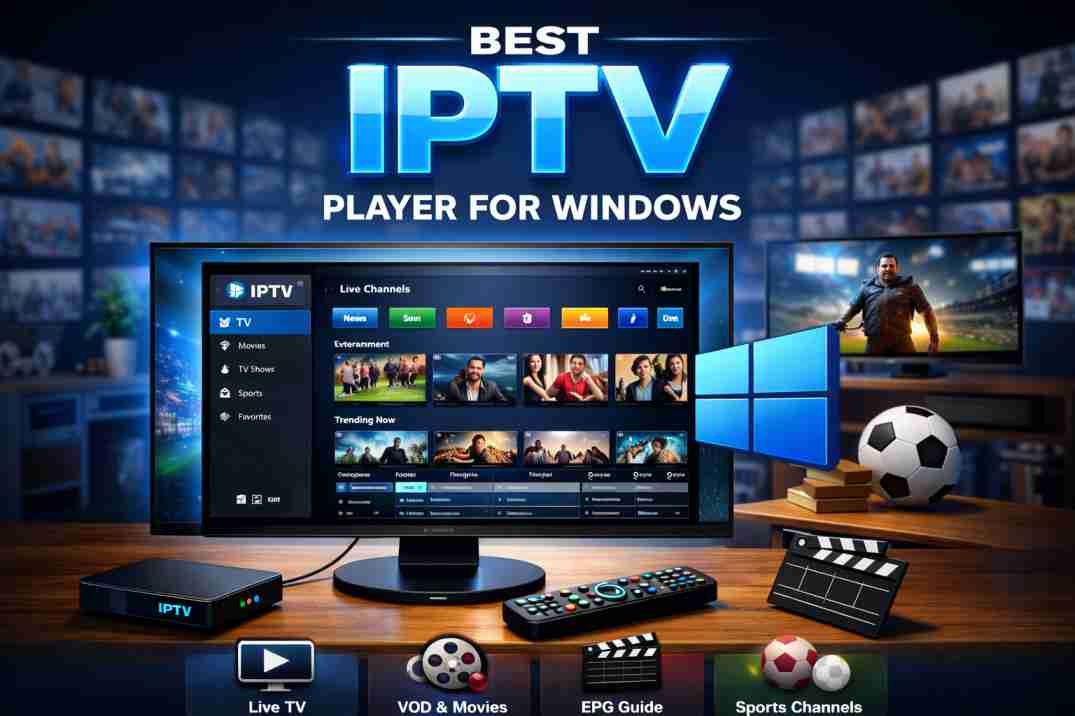
Discover the best IPTV player for Windows with top features, smooth streaming, EPG support, and 4K playback. Complete 2026 professional guide.
In today’s digital streaming era, IPTV has transformed the way users watch live TV, movies, and on-demand content. Whether you are a casual viewer or a professional IPTV reseller, choosing the Best IPTV Player for Windows is crucial for seamless performance, stability, and advanced features.

Windows PCs remain one of the most powerful and flexible platforms for IPTV streaming. With better hardware compatibility, multitasking capabilities, and customizable settings, Windows provides an ideal environment for IPTV players. This comprehensive guide explores everything you need to know about selecting the Best IPTV Player for Windows in 2026.
Why You Need the Best IPTV Player for Windows
Not all IPTV players are created equal. A high-quality IPTV player ensures:
- Smooth HD & 4K streaming
- M3U playlist and Xtream Codes API support
- EPG (Electronic Program Guide) integration
- Catch-up and recording options
- User-friendly interface
- Multi-screen viewing
- Strong security and data protection
Choosing the Best IPTV Player for Windows improves streaming stability and eliminates buffering issues caused by poorly optimized software.
Top 5 Best IPTV Player for Windows in 2026

1. VLC Media Player
VLC Media Player is one of the most trusted and widely used media players worldwide. While it is not exclusively built for IPTV, it supports M3U playlists and network streams efficiently.
Key Features:
- Free and open-source
- Supports M3U playlist links
- Lightweight and fast
- Wide codec compatibility
- No ads
Best For: Users who prefer a simple, free IPTV solution without complex configuration.
2. MyIPTV Player
MyIPTV Player is a popular Windows Store application specifically designed for IPTV streaming.
Key Features:
- Clean and professional interface
- EPG support
- M3U and remote playlist compatibility
- Channel grouping
- Favorites management
Best For: Users who want a structured IPTV experience with guide support.
3. Kodi
Kodi is a powerful open-source media center that becomes a fully functional IPTV player when configured with the PVR IPTV Simple Client addon.
Key Features:
- Highly customizable
- EPG and live TV support
- Addon ecosystem
- Multi-device compatibility
- Advanced streaming options
Best For: Advanced users who want complete control and customization.
4. ProgDVB
ProgDVB is a professional IPTV and digital TV software solution designed for Windows users who want advanced functionality.
Key Features:
- IPTV + DVB support
- High-definition streaming
- Recording feature
- Picture-in-picture
- EPG integration
Best For: Professional users and IPTV enthusiasts.
5. Perfect Player
Perfect Player offers a modern interface tailored for IPTV users. It supports advanced playlist management and clean navigation.
Key Features:
- M3U and XSPF support
- EPG compatibility
- OSD customization
- Fast channel switching
- Remote control support
Best For: Users who want a modern IPTV interface with smooth performance.
How to Choose the Best IPTV Player for Windows
When selecting the Best IPTV Player for Windows, consider the following factors:
1. Format Compatibility
Ensure the player supports:
- M3U / M3U8 playlists
- Xtream Codes API
- EPG XML files
2. Performance & Stability
A reliable IPTV player should:
- Handle HD and 4K streams
- Offer minimal buffering
- Support hardware acceleration
3. User Interface
Look for:
- Clean dashboard
- Easy navigation
- Customizable layout
4. Security
Always choose software that:
- Protects user data
- Does not inject ads or malware
- Receives regular updates
Benefits of Using IPTV on Windows
Windows offers several advantages for IPTV streaming:
- Larger screen viewing
- Better processing power
- Easy multitasking
- Support for multiple monitors
- Enhanced audio and graphics settings
This makes Windows PCs ideal for home entertainment setups, IPTV businesses, and content testing environments.
Common Issues & Solutions
Even when using the Best IPTV Player for Windows, users may face occasional issues.
Buffering Problems
- Check internet speed (minimum 20 Mbps for HD)
- Use wired Ethernet instead of Wi-Fi
- Close background applications
EPG Not Loading
- Verify XML URL
- Refresh EPG settings
- Restart the player
Playlist Not Working
- Double-check M3U link
- Ensure subscription is active
- Clear cache and reload
Is Free or Paid IPTV Player Better?
Free IPTV players like VLC and Kodi offer flexibility and no-cost access. However, paid IPTV players often provide:
- Dedicated support
- Advanced recording
- Enhanced UI design
- Better stability
Your choice depends on your streaming needs and budget.
Final Thoughts :
Selecting the Best IPTV Player for Windows depends on your experience level, required features, and performance expectations.
- For simplicity → VLC Media Player
- For structured IPTV experience → MyIPTV Player
- For advanced customization → Kodi
- For professional use → ProgDVB
- For modern interface → Perfect Player
Windows remains one of the most powerful platforms for IPTV streaming, offering flexibility, performance, and scalability.
If you want smooth streaming, high-definition quality, and a professional IPTV experience, choosing the right IPTV player is essential.
FAQ’s :
Q1: What is the Best IPTV Player for Windows in 2026?
There is no single answer. VLC, Kodi, and MyIPTV Player are among the top choices depending on user needs.
Q2: Is IPTV legal on Windows?
IPTV players are legal software. However, legality depends on your IPTV service provider and content licensing.
Q3: Do IPTV players support 4K streaming?
Yes, most modern IPTV players support HD and 4K, provided your system and internet connection meet requirements.
Q4: What features should the Best IPTV Player for Windows include?
The best IPTV player for Windows should support M3U playlists, Xtream Codes API, EPG integration, HD and 4K streaming, fast channel switching, and a user-friendly interface.
Q5: Can I record live TV using an IPTV player on Windows?
Yes, many IPTV players for Windows offer recording features, allowing users to record live TV, schedule recordings, and access catch-up content depending on provider support.