
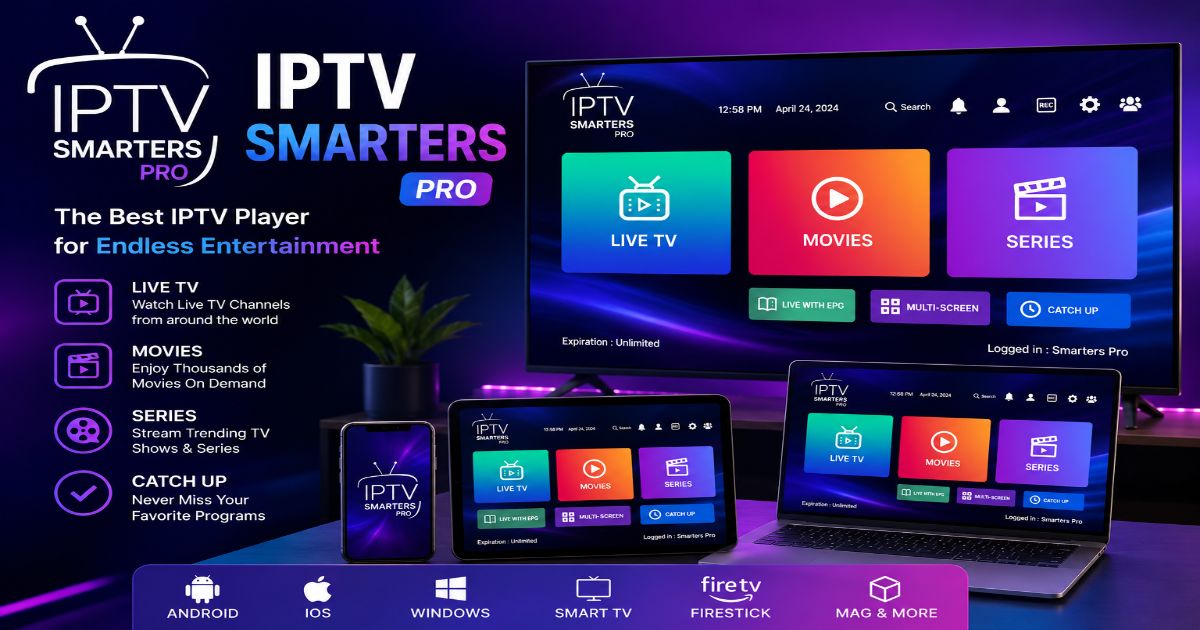
Website:Mediumtoday
Reading Time: 18–20 Minutes
Explore IPTV Smarters Pro features, supported devices, setup options, advantages, limitations, and legal considerations in this detailed guide.
Table of Contents
- Introduction
- What Is IPTV Smarters Pro?
- How IPTV Smarters Pro Works
- Main Features of IPTV Smarters Pro
- Supported Devices and Compatibility
- IPTV Smarters Pro Setup Overview
- Understanding IPTV Login Methods
- User Experience and Interface Overview
- Advantages
- Limitations
- Alternatives
- Expert Tips
- Conclusion
- FAQs
Introduction
Streaming habits have changed significantly in recent years. Many people now prefer watching television content through internet-based platforms instead of traditional cable or satellite service. IPTV technology has become one of the solutions that allows television content to be delivered through an internet connection.
Among the applications designed for IPTV playback, IPTV Smarters Pro has gained attention because of its simple interface, device compatibility, and support for different IPTV connection formats.
However, many users misunderstand what the application actually does. IPTV Smarters Pro is not a television service and does not provide channels, movies, or subscriptions by itself. It works as a media player that connects with a compatible IPTV service chosen by the user.
What Is IPTV Smarters Pro?
IPTV Smarters Pro is a media player application created to organize and play IPTV content from compatible providers. It works similarly to other media players but focuses specifically on internet-based television content.
The application allows users to connect their IPTV service information and access available content through a structured interface.
Depending on the IPTV provider and available features, users may be able to access:
- Live television channels
- Movies
- TV series
- Catch-up content
- Electronic Program Guide (EPG)
- Favorite channels
- Multiple playlists
The application itself does not host or distribute any media content. Instead, it acts as a bridge between the user and the IPTV service.
For example, if a user has access to a legitimate IPTV service that provides an M3U playlist or Xtream Codes login details, IPTV Smarters Pro can be used as the playback platform.
This distinction is important because the legality and quality of the streaming experience depend on the IPTV provider and the rights they have for distributing content.
👉✅Get Your Free Demo Today👈
How IPTV Smarters Pro Works
Understanding how IPTV Smarters Pro works is simple when broken into a few steps.
1. Installation
The user installs the IPTV Smarters Pro application on a compatible device.
Supported devices may include:
- Android smartphones
- Android tablets
- Android TV devices
- Fire TV devices
- Smart TVs
- Computers
- iOS devices
Availability can vary depending on the operating system and current app distribution policies.
2. Adding IPTV Service Information
After installation, users connect their IPTV service using information provided by their provider.
Common connection methods include:
Xtream Codes API
This method usually requires:
- Username
- Password
- Server address
It is commonly used because it allows the application to automatically organize channels, categories, and program information.
M3U Playlist
An M3U playlist is a file format containing streaming links and channel information.
Users may add an M3U URL provided by a compatible IPTV service.
The application reads the playlist and displays available content.
Portal Login
Some IPTV systems use portal-based connections, especially on certain set-top boxes or dedicated IPTV systems.
Availability depends on the service being used.
Main Features of IPTV Smarters Pro
One reason IPTV Smarters Pro is widely recognized is its range of playback and organization features.
Live TV Streaming
The main purpose of IPTV Smarters Pro is live television playback.
Users can browse available channels and organize them into categories.
Common categories may include:
- News
- Sports
- Entertainment
- International channels
- Kids content
- Documentary channels
The available categories depend completely on the IPTV service connected to the application.
Video-on-Demand Support
Many IPTV service provide libraries containing movies and television shows.
IPTV Smarters Pro can display this content in a similar way to modern streaming applications.
Users may be able to browse:
- Movie collections
- TV series
- Recently added content
- Genre categories
Again, the application only displays content supplied by the connected service.
Electronic Program Guide (EPG)
The Electronic Program Guide feature helps users understand television schedules.
Instead of opening channels randomly, users can view information such as:
- Current programs
- Upcoming shows
- Channel schedules
A properly configured EPG improves navigation and creates a more traditional television experience.
Multiple Playlist Support
Some versions of IPTV Smarters Pro allow users to manage multiple IPTV connections.
This can be useful for users who have different legal IPTV service or separate playlists.
However, performance depends on the device and the number of connections being managed.
User-Friendly Interface
The design of IPTV applications plays an important role because users often browse hundreds or thousands of channels.
IPTV Smarters Pro focuses on organization through:
- Channel categories
- Search functions
- Favorites
- Content sections
- Playback controls
A clean interface can reduce the time needed to find specific content.
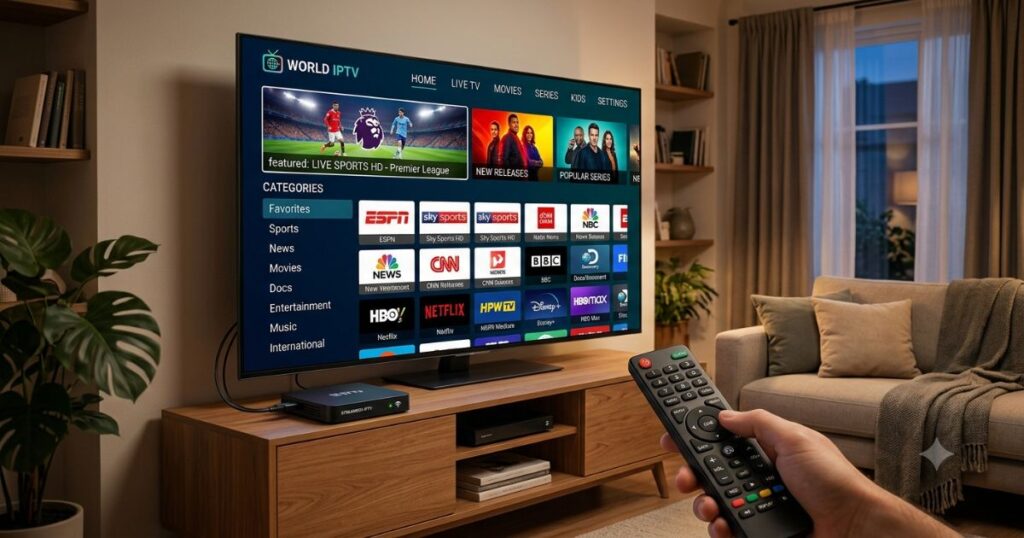
Supported Devices and Compatibility
One of the main reasons users choose IPTV Smarters Pro is its availability across different platforms.
Android Devices
Android phones and tablets are among the most common devices used with IPTV applications.
Advantages include:
- Wide device availability
- Flexible installation options
- Touchscreen navigation
Android TV Devices
Android TV platforms provide a television-focused experience.
They are designed for remote control navigation and larger screens.
Examples include:
- Android TV boxes
- Smart TVs using Android TV
- Google TV devices
Fire TV Devices
Many streaming users install IPTV applications on Fire TV devices.
The experience depends on:
- Device model
- Application availability
- Installation method
- Network performance
Smart TVs
Some smart television systems support IPTV applications directly.
Compatibility depends on:
- TV brand
- Operating system
- Available application store
Users should always check current availability for their specific television model.
Computers
Some versions of IPTV Smarters Pro support desktop operating systems.
Computer users may benefit from:
- Larger screens
- Keyboard navigation
- Better multitasking options
👉✅Get Your Free Demo Today👈
IPTV Smarters Pro Setup Overview
The setup process varies depending on the device and IPTV provider, but the general steps are similar.
Step 1: Install the Application
Download IPTV Smarters Pro from a trusted source suitable for your device.
Avoid unofficial modified versions because they may contain security risks or unwanted software.
Step 2: Select Connection Type
After opening the application, users usually select their preferred login method.
Common options include:
- Xtream Codes API
- M3U Playlist
- Other supported connection methods
Choose the option provided by your IPTV service.
Step 3: Enter Account Details
The required information may include:
- Account username
- Password
- Server URL
- Playlist address
The application uses these details to connect with the IPTV service.
Step 4: Load Available Content
After successful connection, the application may display:
- Live channels
- Movies
- TV series
- EPG information
The loading time depends on:
- Internet speed
- Provider server performance
- Playlist size
Understanding IPTV Smarters Pro Login Methods
Before using IPTV Smarters Pro, it is important to understand how IPTV service connect with the application. Different providers may use different methods depending on their technology.
Xtream Codes API Login
Xtream Codes API is one of the most common login methods used by IPTV players.
It usually requires three main details:
- Username
- Password
- Server URL
The advantage of this method is that content is often automatically organized into categories such as live channels, movies, and TV shows.
Users may also receive:
- Channel information
- Program schedules
- Content descriptions
However, the availability of these features depends on the IPTV service provider.
M3U Playlist Connection
M3U is a common playlist format used by many IPTV applications.
An M3U playlist usually contains:
- Channel names
- Streaming addresses
- Group categories
- Additional information
The IPTV player reads this playlist and creates a viewing interface.
One limitation of M3U playlists is that the organization quality depends on how the playlist was created. Poorly structured playlists may result in missing categories or incorrect channel information.
👉✅Get Your Free Demo Today👈
User Experience and Interface Overview
A major reason users choose IPTV Smarters Pro is its organized interface.
Traditional IPTV setups can sometimes feel complicated because users may have hundreds of channels with limited navigation options.
IPTV Smarters Pro attempts to simplify the experience by grouping content into sections.
Channel Organization
Users can usually browse channels through categories.
Examples include:
- Local channels
- International channels
- Sports channels
- Entertainment channels
- News channels
This makes finding content easier compared with manually searching through large playlists.
Search Function
A search feature can help users quickly find:
- Channels
- Movies
- TV shows
This is especially useful when dealing with large content libraries.
Favorites
The favorites feature allows users to save frequently watched channels.
Instead of browsing categories every time, users can create a personalized viewing list.
Advantages of IPTV Smarters Pro
Like any application, IPTV Smarters Pro has strengths and limitations. Understanding both sides helps users decide whether it fits their needs.
1. Easy Content Management
One of the strongest points of IPTV Smarters Pro is content organization.
Large IPTV playlists can become difficult to manage. Features such as categories, favorites, and search tools improve usability.
2. Support for Multiple Platforms
Many users appreciate the ability to use IPTV applications across different devices.
A person may use the same type of IPTV player experience on:
- Mobile devices
- Television screens
- Streaming devices
- Computers
This flexibility is useful for households with multiple devices.
3. Familiar Streaming Experience
The interface is designed around modern streaming habits.
Users who are familiar with platforms such as video-on-demand service may find the layout easier to understand compared with older IPTV systems.
4. Flexible Connection Options
Support for different connection methods gives users more choices.
Depending on the IPTV provider, users may connect through:
- M3U playlists
- Xtream Codes API
- Other supported formats
5. Useful Organization Features
Features such as:
- Favorites
- Categories
- EPG
- Search
can make large content libraries easier to navigate.
Limitations of IPTV Smarters Pro
Although IPTV Smarters Pro offers useful features, it also has limitations.
It Does Not Provide Content
A common misunderstanding is that IPTV Smarters Pro includes free channels or movies.
It does not.
The application is only a player. Users need a separate IPTV service that provides access to content.
The quality of the experience depends heavily on the connected service.
Performance Depends on Internet Quality
Streaming performance is affected by:
- Internet speed
- Network stability
- Device hardware
- Server performance
A high-quality application cannot completely solve problems caused by poor network conditions.
Feature Availability Can Change
Different versions of IPTV Smarters Pro may have different features.
Updates, operating systems, and app distribution policies can affect availability.
Users should check current information from official sources before installation.
Learning Curve for Beginners
Although the interface is relatively simple, new users may need time to understand:
- IPTV playlists
- Login information
- EPG settings
- Player configuration
Basic IPTV knowledge can make setup easier.
IPTV Smarters Pro vs Other IPTV Players
Many IPTV players offer similar functions. The best choice depends on user preferences, device compatibility, and available features.
| Feature | IPTV Smarters Pro | Other IPTV Players |
|---|---|---|
| User-friendly interface | Usually strong | Depends on application |
| M3U support | Commonly available | Often available |
| Xtream Codes support | Common feature | Depends on app |
| EPG support | Available with compatible service | Varies |
| Multi-device usage | Available on many platforms | Depends on developer |
| Built-in content | No | Usually no |
The right IPTV player is not always the one with the most features. Users should consider stability, compatibility, security, and ease of use.
IPTV Smarters Pro Pros and Cons
Pros
✔ Simple interface for managing IPTV content
✔ Works with multiple IPTV formats
✔ Available across different device types
✔ Supports features like playlists and EPG
✔ Easier navigation compared with basic IPTV players
Cons
✘ Does not provide channels or subscriptions
✘ Requires a separate IPTV service
✘ Performance depends on provider quality
✘ Features may vary between versions
✘ Setup may require technical information
Legal and Safety Considerations
IPTV technology itself is a legal method of delivering television content over the internet.
Many legitimate companies use IPTV technology for:
- Live television service
- Sports broadcasting
- On-demand video platforms
- Corporate streaming solutions
However, the legality of an IPTV service depends on whether it has permission to distribute the content it provides.
Users should consider the following:
Choose Authorized Services
Before subscribing to any IPTV provider, check whether the service has proper rights and licensing agreements.
Unauthorized service may provide copyrighted content without permission.
Avoid Unofficial Applications
Modified versions of IPTV applications downloaded from unknown websites can create risks, including:
- Malware
- Data theft
- Security issues
Use trusted sources whenever possible.
Check Regional Regulations
Streaming laws can vary between countries.
Users should understand the rules that apply in their location.
Expert Tips for Better IPTV Smarters Pro Performance
Use a Stable Internet Connection
A reliable internet connection is one of the most important factors for streaming quality.
Helpful practices include:
- Using a wired connection when possible
- Keeping Wi-Fi equipment updated
- Reducing unnecessary network usage during streaming
Keep Your Device Updated
Older device software may cause compatibility problems.
Regular updates can improve:
- Security
- Performance
- Application compatibility
Choose the Right Video Quality
Higher-quality streams require more bandwidth.
Users with slower internet connections may experience better performance by selecting appropriate quality settings.
Organize Favorites Early
If your IPTV service provides many channels, organizing favorites early can save time later.
Creating categories based on viewing habits improves the overall experience.
Common IPTV Smarters Pro Mistakes
Downloading From Unsafe Websites
One of the biggest mistakes is installing unofficial versions.
Always verify the source before installing any application.
Assuming IPTV Smarters Pro Provides Free TV
The application does not include channels.
It requires a separate compatible IPTV source.
Ignoring Device Compatibility
Not every device supports every application version.
Check compatibility before installation.
Using Poor Quality IPTV Service
Many playback problems are caused by unreliable providers rather than the IPTV player itself.
Users should evaluate service reliability and legality before choosing a provider.
👉✅Get Your Free Demo Today👈
Conclusion
IPTV Smarters Pro is a flexible IPTV player designed to help users organize and watch content from compatible IPTV service. Its simple interface, playlist support, device compatibility, and organization features make it a popular choice among IPTV users.
However, the application should be understood correctly. IPTV Smarters Pro is only a player and does not provide channels or subscriptions. The quality, legality, and reliability of the experience depend on the IPTV service connected to the application.
Users should choose authorized service, download applications from trusted sources, and verify current information before using any IPTV platform.
Frequently Asked Questions
What is IPTV Smarters Pro?
IPTV Smarters Pro is an IPTV media player that allows users to connect compatible IPTV service and organize available content.
Does IPTV Smarters Pro include channels?
No. IPTV Smarters Pro does not provide channels, movies, or subscriptions. It only plays content from a connected IPTV service.
Is IPTV Smarters Pro free?
Availability and pricing may depend on the platform and version. Users should check current information from official sources.
Can IPTV Smarters Pro be used on Smart TVs?
Yes, it may be available on some Smart TV platforms, depending on operating system compatibility.
Does IPTV Smarters Pro support M3U playlists?
Yes, M3U playlist support is one of the common connection methods used with IPTV players.
Why does IPTV Smarters Pro buffer?
Buffering can happen because of slow internet speed, network problems, device limitations, or IPTV provider server issues.
Is IPTV Smarters Pro safe?
The application itself should be obtained from trusted sources. Safety also depends on the IPTV service and content source being used.
Can IPTV Smarters Pro replace cable TV?
It depends on the IPTV service connected to it. The application itself does not replace cable because it does not provide television content.
We are committed to publishing accurate, up-to-date, and trustworthy content. If you notice outdated information, incorrect details, or have suggestions for improving this guide, we’d love to hear from you.
Email: purvangwebix@gmail.com
Our editorial team reviews reader feedback regularly and updates articles whenever necessary to maintain accuracy and provide the best possible information for our audience.
Thank you for helping us improve our content!