
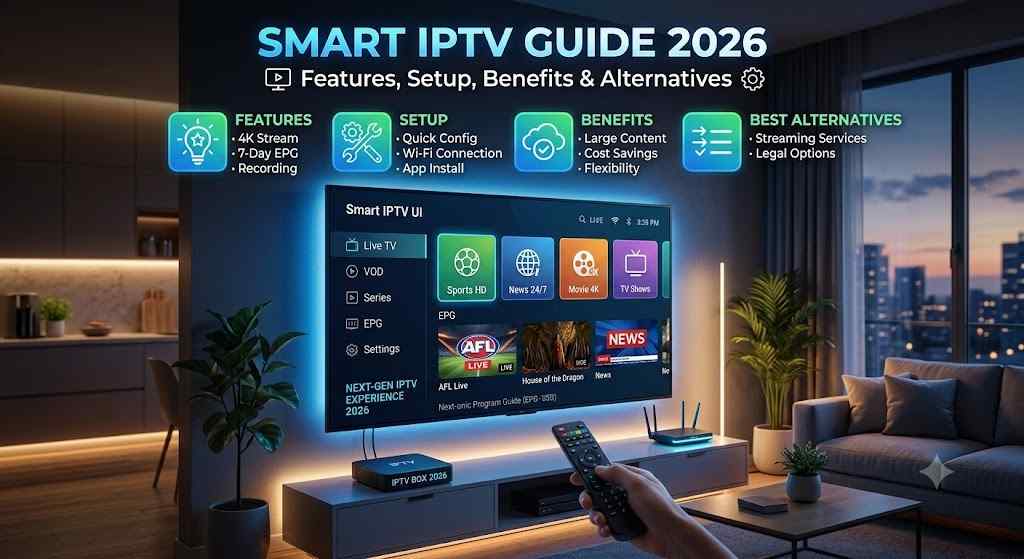
Learn everything about Smart IPTV, including features, setup, pricing, compatibility, safety, alternatives, troubleshooting, and expert tips.
Smart IPTV is a popular IPTV player that allows users to stream television content using playlists provided by IPTV service providers. It does not include channels or content by itself. Instead, it acts as a media player that organizes and plays IPTV streams through M3U or similar playlist formats.
Why Smart IPTV Matters
As streaming technology continues to replace traditional television, users want flexible solutions that work across different devices. Smart IPTV makes playlist management simple while offering an intuitive viewing experience.
Who Should Use Smart IPTV?
Smart IPTV is ideal for:
- IPTV subscribers
- Sports enthusiasts
- Movie lovers
- International viewers
- Families
- Travelers
- Cord-cutters
Discover the best practices for smoother streaming, better playlist management, and improved viewing quality.
What is Smart IPTV?
Smart IPTV is an IPTV player application designed to play IPTV playlists supplied by users or their IPTV service providers. Unlike streaming platforms that provide their own content libraries, Smart IPTV functions as a playback interface.
The application supports playlist formats such as:
- M3U
- M3U Plus
- XMLTV EPG
Users upload playlists through the Smart IPTV portal or compatible upload methods, after which the app organizes channels into categories for easy navigation.
Example
Instead of searching through thousands of channels manually, Smart IPTV automatically categorizes content such as:
- News
- Sports
- Movies
- Entertainment
- Kids
- Documentaries
Why is Smart IPTV Popular?
Several factors contribute to its popularity:
Easy Playlist Management
Users can upload playlists once and access them conveniently.
Multi-Device Support
Works on many Smart TVs and streaming devices.
Growing IPTV Market
Internet television adoption continues to rise as broadband speeds improve and consumers seek flexible viewing options.
User-Friendly Interface
The application is designed for easy navigation even for beginners.
Future Scope
As more households adopt streaming services and smart devices, IPTV player applications are expected to remain an important part of home entertainment.
How Does Smart IPTV Work?
The process is straightforward:
- Install Smart IPTV.
- Find your device’s MAC address.
- Visit the playlist upload portal.
- Upload your IPTV playlist.
- Restart the application.
- Channels appear automatically.
- Begin streaming.
The application simply reads playlist information and connects to streaming servers supplied by your IPTV provider.
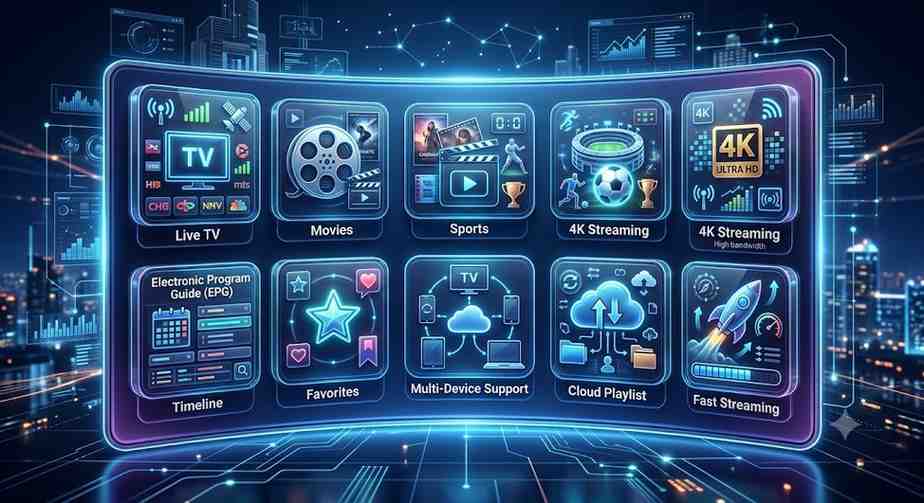
Key Features
Playlist Management
Supports multiple playlists with simple organization.
Electronic Program Guide (EPG)
Displays television schedules for supported playlists.
Favorites
Save frequently watched channels.
Multi-Language Interface
Available in numerous languages.
Category Organization
Channels are grouped into logical categories.
External Playlist Support
Supports M3U playlists from compatible IPTV providers.
Automatic Updates
Playlists can refresh when updated by providers.
User-Friendly Navigation
Simple menus make browsing effortless.
Benefits
Smart IPTV provides several advantages:
- Simple interface
- Organized channel categories
- Better viewing experience
- Supports HD and 4K streams (when available)
- Flexible playlist management
- Fast channel switching
- Multiple device compatibility
- Easy installation
- EPG support
- Reliable playback with stable internet
Why Choosing the Right Smart IPTV Solution Matters
Selecting the right IPTV player affects:
- Streaming quality
- Ease of use
- Playlist compatibility
- Device support
- Performance
- User experience
- Long-term reliability
Choosing a player that suits your devices and viewing habits can save time and reduce technical issues.
How to Choose the Best Smart IPTV
Buying Guide
Consider:
- Device compatibility
- User interface
- Playlist support
- EPG compatibility
- Stability
- Update frequency
- Customer support
- Ease of installation
Expert Checklist
✔ Supports M3U
✔ Supports XMLTV
✔ Easy navigation
✔ Regular updates
✔ Stable playback
✔ Compatible with your TV
Mistakes to Avoid
- Choosing unsupported devices
- Ignoring internet speed
- Using outdated playlists
- Skipping software updates
- Uploading incorrect playlist formats
Best Features to Look For
Fast Channel Loading
Quick channel switching improves viewing.
Clean Interface
Simple menus help users find content faster.
Playlist Backup
Makes migration easier.
EPG Integration
Shows program schedules.
Multiple Playlist Support
Ideal for users with more than one IPTV subscription.
Search Function
Find channels quickly.
Favorites
Store preferred channels.
Automatic Playlist Refresh
Keeps content updated.

Compatibility
| Device | Supported |
|---|---|
| Smart TVs | Yes |
| Android TV | Yes |
| Fire TV Devices | Yes |
| Android Boxes | Yes |
| NVIDIA Shield | Yes |
| MAG Devices | Limited |
| Windows | Via compatible players |
| macOS | Via compatible players |
| Smartphones | Alternative IPTV apps may be required |
Operating Systems
- Android
- Android TV
- Tizen
- webOS
- Fire OS
Countries
Works worldwide wherever supported IPTV services and internet access are available.
Regional Guide
USA
High-speed broadband and fiber internet make IPTV streaming increasingly popular for live sports, entertainment, and international programming.
UK
Many viewers use IPTV players to organize content from compatible subscription providers while enjoying broad Smart TV compatibility.
Canada
Demand continues to grow thanks to reliable internet infrastructure and diverse multicultural programming.
Other Important Markets
- Australia
- Germany
- France
- Spain
- Netherlands
- Sweden
- India
- UAE
- South Africa
Pricing Guide
Smart IPTV pricing may vary depending on the platform or licensing model. IPTV service subscriptions are purchased separately.
| Item | Estimated Cost |
|---|---|
| App Trial | Free (where available) |
| One-Time Activation | Varies |
| IPTV Subscription | Depends on provider |
| Premium Features | Provider dependent |
Installation Guide
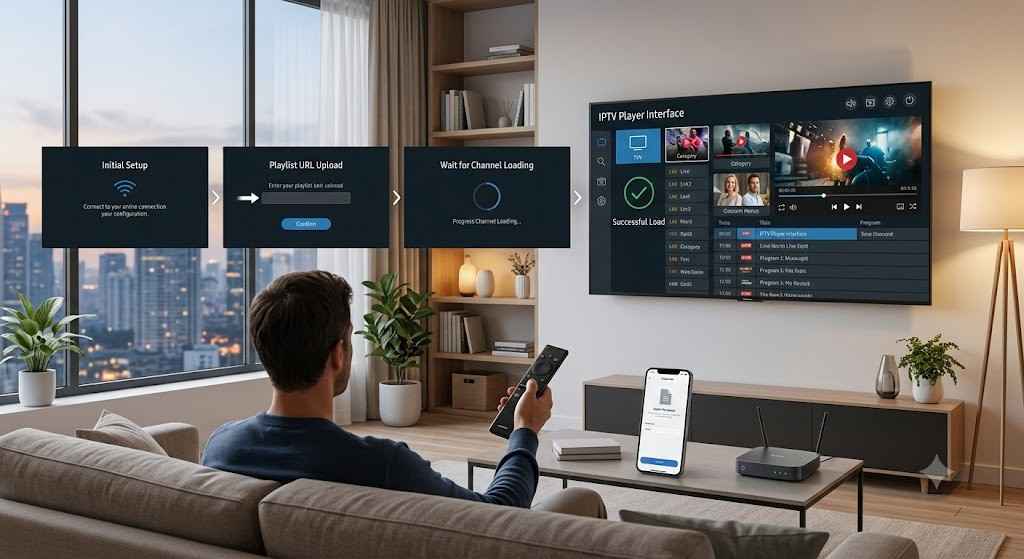
Step 1
Install Smart IPTV from your compatible device’s app store if available.
Step 2
Open the application.
Step 3
Locate the MAC Address.
Step 4
Upload your playlist through the appropriate playlist management portal.
Step 5
Restart the application.
Step 6
Wait for channels to load.
Step 7
Begin watching.
Common Problems & Solutions
| Problem | Solution |
|---|---|
| Playlist won’t load | Verify playlist URL |
| Buffering | Improve internet speed |
| Missing channels | Refresh playlist |
| No EPG | Reload XMLTV guide |
| Login issues | Verify provider details |
| Black screen | Restart application |
| Audio problems | Restart stream |
| Freezing | Check network stability |
Safety & Best Practices
For a better experience:
- Use trusted IPTV providers.
- Keep the application updated.
- Protect your network with secure passwords.
- Avoid sharing account credentials.
- Back up playlists.
- Use a reliable internet connection.
- Review local laws and licensing requirements before accessing content.
Pros & Cons
| Pros | Cons |
|---|---|
| Easy setup | Requires external playlist |
| Clean interface | No built-in content |
| Multi-device support | Internet dependent |
| EPG support | Limited support on some devices |
| Favorites | Provider quality varies |
| Fast navigation | Some features depend on playlists |
Best Alternatives
| IPTV Player | Best For |
|---|---|
| IPTV Smarters Pro | Advanced users |
| TiviMate | Android TV |
| OTT Navigator | Power users |
| XCIPTV | Modern interface |
| Perfect Player | Lightweight streaming |
| GSE Smart IPTV | Mobile devices |
| Kodi (with IPTV add-ons) | Customization |
Compare features, device support, and usability before choosing the IPTV player that best matches your needs.
Expert Tips
- Use wired Ethernet whenever possible.
- Maintain at least 25 Mbps internet for HD streaming.
- Restart your router regularly.
- Keep playlists updated.
- Remove inactive playlists.
- Organize favorite channels.
- Enable EPG for easier navigation.
- Test multiple playlist sources if permitted by your provider.
- Use quality streaming hardware for smoother playback.
- Monitor storage space on your device.
Final Verdict
Smart IPTV remains one of the most recognized IPTV player applications for users who want a straightforward way to manage and stream playlists from their chosen IPTV service. Its clean interface, playlist support, EPG integration, favorites management, and broad compatibility make it a practical option for many households.
However, it’s important to remember that Smart IPTV is only a media player—it does not include TV channels or subscription content. Your overall experience will largely depend on the quality of your IPTV provider, the stability of your internet connection, and the compatibility of your device.
Before choosing an IPTV player, compare features, ensure it supports your hardware, and use legitimate content sources in accordance with applicable laws. By selecting the right setup and following best practices, you can enjoy a more reliable, organized, and enjoyable streaming experience.
Frequently Asked Questions(FAQ’S)
1. What is Smart IPTV?
Smart IPTV is an IPTV player that allows users to stream playlists supplied by compatible IPTV providers.
2. Does Smart IPTV include TV channels?
No. It is a media player and does not provide channels or subscriptions.
3. Is Smart IPTV free?
Some platforms may offer a trial, while others require a one-time activation fee. IPTV subscriptions are separate.
4. Which devices support Smart IPTV?
Many Smart TVs, Android TV devices, Fire TV devices, and compatible streaming hardware.
5. Does Smart IPTV support M3U playlists?
Yes.
6. Can I use multiple playlists?
Yes, depending on the application version and configuration.
7. Does it support EPG?
Yes, with compatible XMLTV guides.
8. What internet speed is recommended?
At least 10 Mbps for SD, 25 Mbps for HD, and higher for 4K streaming.
9. Why does buffering occur?
Common causes include slow internet, network congestion, or server-side issues.
10. Can I organize favorite channels?
Yes.
11. Is Smart IPTV beginner-friendly?
Yes, the interface is designed to be simple and intuitive.
12. Can I watch international channels?
If your IPTV provider includes them in your playlist, they can be accessed through the app.
13. Does Smart IPTV work worldwide?
It can be used in many countries where compatible services and internet access are available.
14. How do I update my playlist?
Upload the updated playlist through the appropriate management method and refresh the app.
15. Is Smart IPTV safe to use?
The application itself is an IPTV player. Safety depends on using trusted providers, keeping your device secure, and following local laws.