
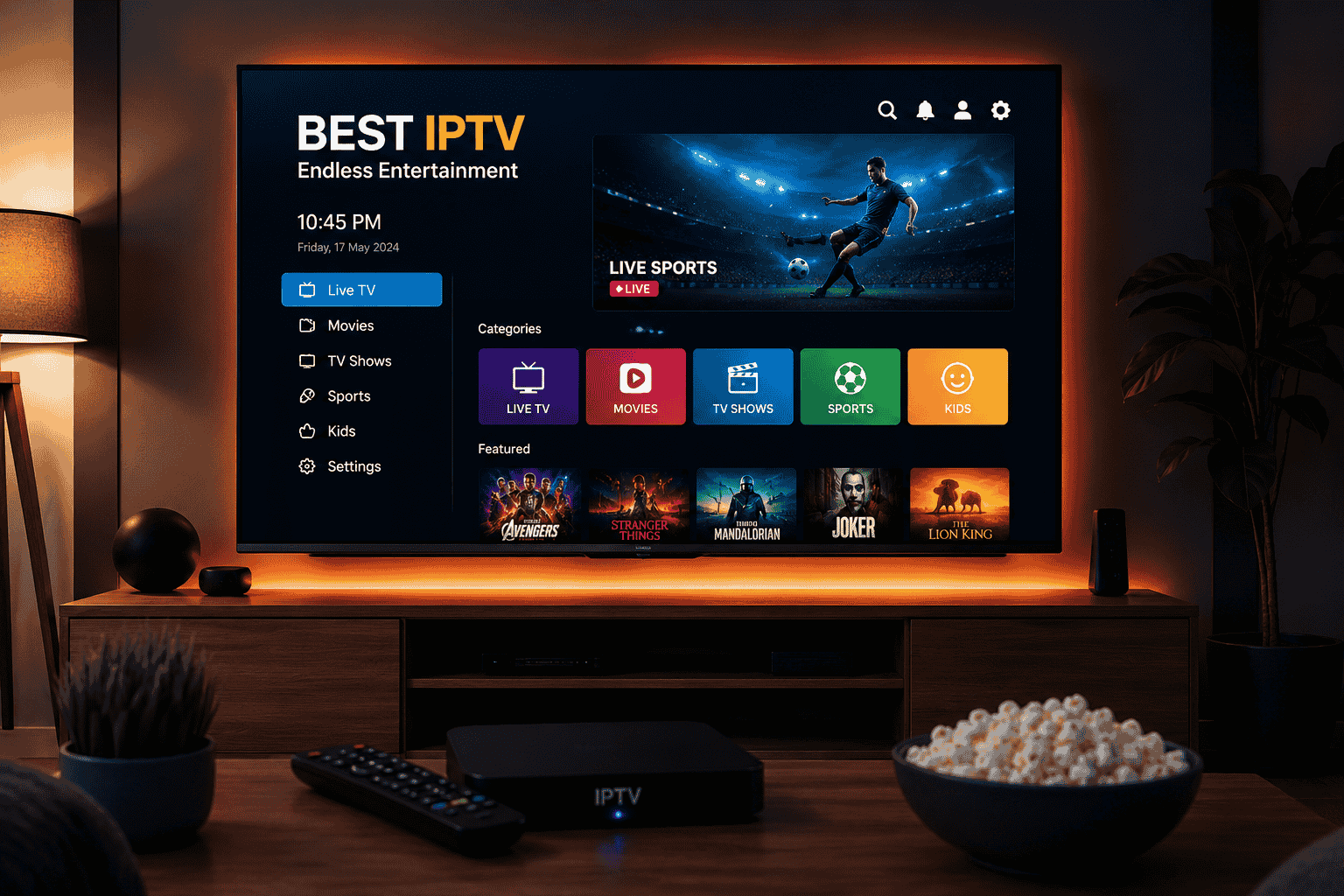
Apple TV has become one of the most popular streaming devices thanks to its powerful hardware, sleek interface, and support for high-quality video playback. For IPTV users, Apple TV offers an excellent platform for watching live TV channels, sports, movies, and on-demand content.
However, your streaming experience largely depends on the IPTV app you choose. The best IPTV apps for Apple TV provide intuitive interfaces, support for M3U playlists, Electronic Program Guides (EPG), multi-screen functionality, and smooth HD and 4K playback.
In this comprehensive guide, we’ll explore the best IPTV apps for Apple TV, their features, advantages, and how to choose the right app for your entertainment needs.
What Is an IPTV App for Apple TV?
An IPTV app is a media player that allows users to stream television content over the internet instead of traditional cable or satellite services. These applications do not typically provide content themselves. Instead, they allow users to load IPTV playlists and streaming links from their IPTV service providers.

IPTV apps for Apple TV can support:
- Live TV channels
- Sports streaming
- Movies and TV shows
- Catch-up TV
- Video on Demand (VOD)
- Multi-screen viewing
- Electronic Program Guide (EPG)
With the right IPTV player and a reliable IPTV provider, Apple TV can become a complete entertainment system.
Why Use IPTV Apps on Apple TV?
Apple TV offers several advantages for IPTV streaming:
Excellent Performance
Apple TV devices come with powerful processors that handle HD and 4K streaming smoothly.
User-Friendly Interface
The tvOS operating system is clean, intuitive, and easy to navigate.
Better Stability
Compared to many low-cost streaming devices, Apple TV delivers stable performance and fewer crashes.
App Store Availability
Several premium IPTV players are available directly from the App Store.
High-Quality Video Playback
Apple TV supports HDR, Dolby Vision, and high-resolution streaming.
💎 Upgrade Your Viewing Experience
Best IPTV Apps for Apple TV in 2026
1. IPTV Smarters Pro
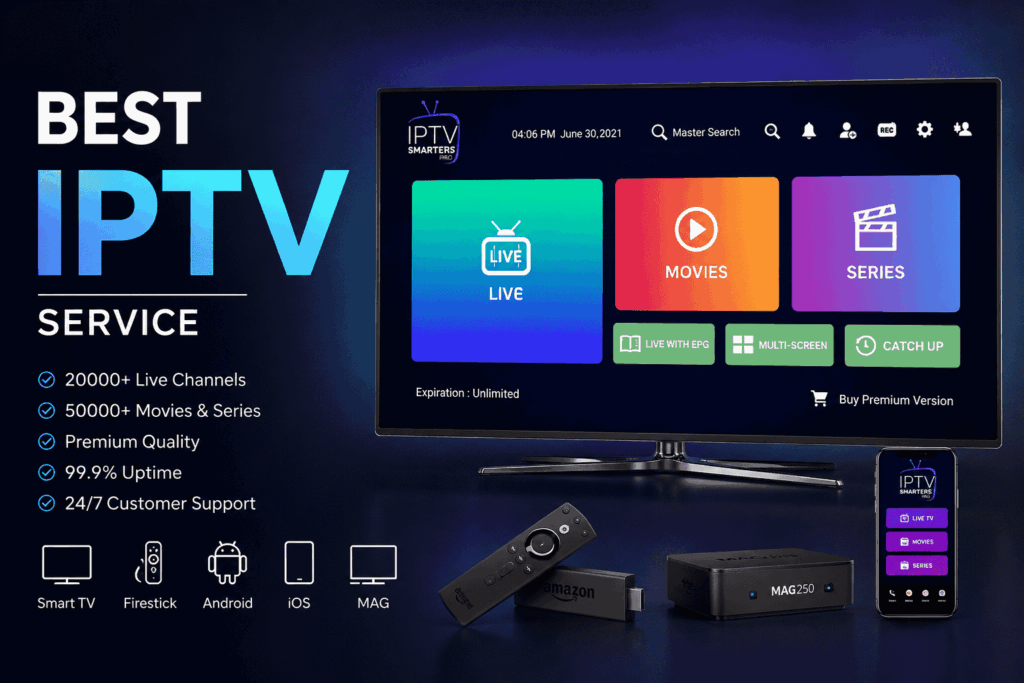
IPTV Smarters Pro is one of the most popular IPTV applications available for Apple TV users. It offers a professional interface and supports multiple playlist formats.
Features
- M3U playlist support
- Xtream Codes API login
- Electronic Program Guide (EPG)
- Multi-screen support
- External player integration
- Catch-up TV support
- VOD management
Pros
- Modern interface
- Easy setup process
- Multiple account support
- Fast navigation
Cons
- Some advanced features require premium access
- Performance depends on IPTV provider quality
Best For
Users who want a feature-rich IPTV experience on Apple TV.
2. GSE Smart IPTV
GSE Smart IPTV has remained one of the most trusted IPTV players for Apple devices.
Features
- M3U and JSON playlist support
- EPG support
- Chromecast support
- Dynamic language switching
- Subtitle integration
- Parental controls
Pros
- Highly customizable
- Multiple playlist formats
- Reliable streaming performance
- User-friendly interface
Cons
- Interface may appear outdated
- Initial setup takes some time
Best For
Users looking for flexibility and advanced customization.
3. IPTVX
IPTVX is specifically designed for Apple users and integrates beautifully with tvOS.
Features
- Native Apple TV experience
- iCloud synchronization
- Trakt integration
- Multi-user support
- Picture-in-picture mode
- EPG support
- Catch-up functionality
Pros
- Premium design
- Excellent performance
- Smooth navigation
- Apple ecosystem integration
Cons
- Premium subscription required
- Limited free version
Best For
Apple users seeking a premium IPTV experience.
🔥 Unlock Premium Entertainment
4. iPlayTV
iPlayTV is another excellent IPTV application developed specifically for Apple TV.
Features
- M3U playlist support
- XMLTV EPG support
- Favorites management
- Search functionality
- Multiple playlist support
- Automatic updates
Pros
- Simple and elegant design
- Fast loading speed
- Excellent EPG support
- Stable performance
Cons
- Paid application
- No free trial
Best For
Users who prioritize speed and simplicity.
5. Flex IPTV
Flex IPTV provides a modern IPTV streaming experience for Apple TV users.
Features
- Playlist management
- EPG support
- VOD compatibility
- Multiple language support
- Cloud synchronization
Pros
- Clean interface
- Good streaming performance
- Easy navigation
- Regular updates
Cons
- Limited customization options
- Smaller user community
Best For
Users wanting a simple and lightweight IPTV application.
6. Smarters Player Lite
Smarters Player Lite is a simplified version of IPTV Smarters Pro and works efficiently on Apple TV.
Features
- M3U support
- Xtream Codes login
- EPG integration
- Multi-screen support
- VOD compatibility
Pros
- Beginner-friendly
- Fast setup
- Smooth playback
- Lightweight application
Cons
- Fewer advanced features
- Limited customization
Best For
Beginners who want an easy IPTV solution.
7. OTT Navigator IPTV
OTT Navigator has gained popularity because of its advanced content organization.
Features
- Channel grouping
- EPG support
- Favorite management
- Search filters
- Catch-up support
Pros
- Powerful channel management
- Excellent organization
- Highly customizable
Cons
- Learning curve for beginners
- Some features require premium access
Best For
Power users with large IPTV playlists.
Comparison of the Best IPTV Apps for Apple TV
| IPTV App | M3U Support | EPG | Multi-Screen | VOD | Free Version |
|---|---|---|---|---|---|
| IPTV Smarters Pro | Yes | Yes | Yes | Yes | Yes |
| GSE Smart IPTV | Yes | Yes | Limited | Yes | Yes |
| IPTVX | Yes | Yes | Yes | Yes | Limited |
| iPlayTV | Yes | Yes | No | Yes | No |
| Flex IPTV | Yes | Yes | No | Yes | Limited |
| Smarters Player Lite | Yes | Yes | Yes | Yes | Yes |
| OTT Navigator IPTV | Yes | Yes | Yes | Yes | Limited |
How to Install IPTV Apps on Apple TV
Installing IPTV apps on Apple TV is simple.
Step 1
Open the App Store on your Apple TV.
Step 2
Search for your preferred IPTV application.
Step 3
Download and install the app.
Step 4
Launch the application.
Step 5
Enter your M3U URL or Xtream Codes credentials provided by your IPTV service.
Step 6
Allow the app to load channels and EPG information.
You can now start streaming your favorite content.
How to Choose the Best IPTV App for Apple TV
Device Compatibility
Ensure the application supports your Apple TV generation and tvOS version.
Playlist Support
Choose apps that support M3U playlists and Xtream Codes integration.
EPG Support
Electronic Program Guides improve navigation and content discovery.
User Interface
A clean and responsive interface enhances the viewing experience.
Streaming Stability
Select apps known for smooth playback and minimal buffering.
Customer Support
Reliable support becomes essential if configuration issues arise.
Benefits of Using IPTV Apps on Apple TV
Access Thousands of Channels
IPTV services often provide extensive international channel libraries.
Watch Sports Live
Enjoy live sports events from around the world.
On-Demand Entertainment
Many IPTV services include movies and TV series.
High-Quality Streaming
Apple TV supports Full HD, 4K, and HDR content.
Flexible Viewing
Watch content whenever and wherever you want.
Cost Savings
IPTV can be more affordable than traditional cable subscriptions.
Tips for Better IPTV Streaming on Apple TV
- Use high-speed internet with at least 25 Mbps.
- Connect via Ethernet whenever possible.
- Keep your IPTV application updated.
- Use reliable IPTV providers.
- Restart Apple TV periodically.
- Avoid overloaded IPTV servers.
- Keep sufficient storage space available.
Are IPTV Apps Legal on Apple TV?
Yes. IPTV applications themselves are completely legal. They are simply media players that organize and stream content.
However, legality depends on the content source you use. Always choose licensed IPTV providers that have the appropriate broadcasting rights.
Final Thoughts
Finding the best IPTV apps for Apple TV can significantly improve your streaming experience. Whether you prefer the premium design of IPTVX, the flexibility of GSE Smart IPTV, or the simplicity of iPlayTV, Apple TV offers several excellent IPTV solutions.
The ideal IPTV application should provide smooth playback, support for playlists and EPG, a user-friendly interface, and reliable performance. By selecting the right IPTV player and pairing it with a trusted IPTV service, you can transform your Apple TV into a powerful entertainment hub for live TV, sports, movies, and on-demand content.
FAQ’s
1. What is the best IPTV app for Apple TV?
IPTV Smarters Pro, IPTVX, and iPlayTV are among the best IPTV apps for Apple TV due to their excellent performance and feature sets.
2. Can I watch IPTV on Apple TV?
Yes. You can install IPTV player applications from the Apple TV App Store and stream content using your IPTV provider’s playlist credentials.
3. Is IPTV Smarters available on Apple TV?
Yes. IPTV Smarters Pro and Smarters Player Lite are available for Apple TV and support M3U playlists and Xtream Codes login.
4. Which IPTV app is best for 4K streaming on Apple TV?
IPTVX and iPlayTV are excellent choices for smooth 4K streaming on Apple TV devices
5. Are IPTV apps free on Apple TV?
Some IPTV apps offer free versions, while others require a one-time purchase or premium subscription for advanced features and enhanced functionality.